A visual essay and guide
What remains
Bitcoin’s unspent outputs, block by block
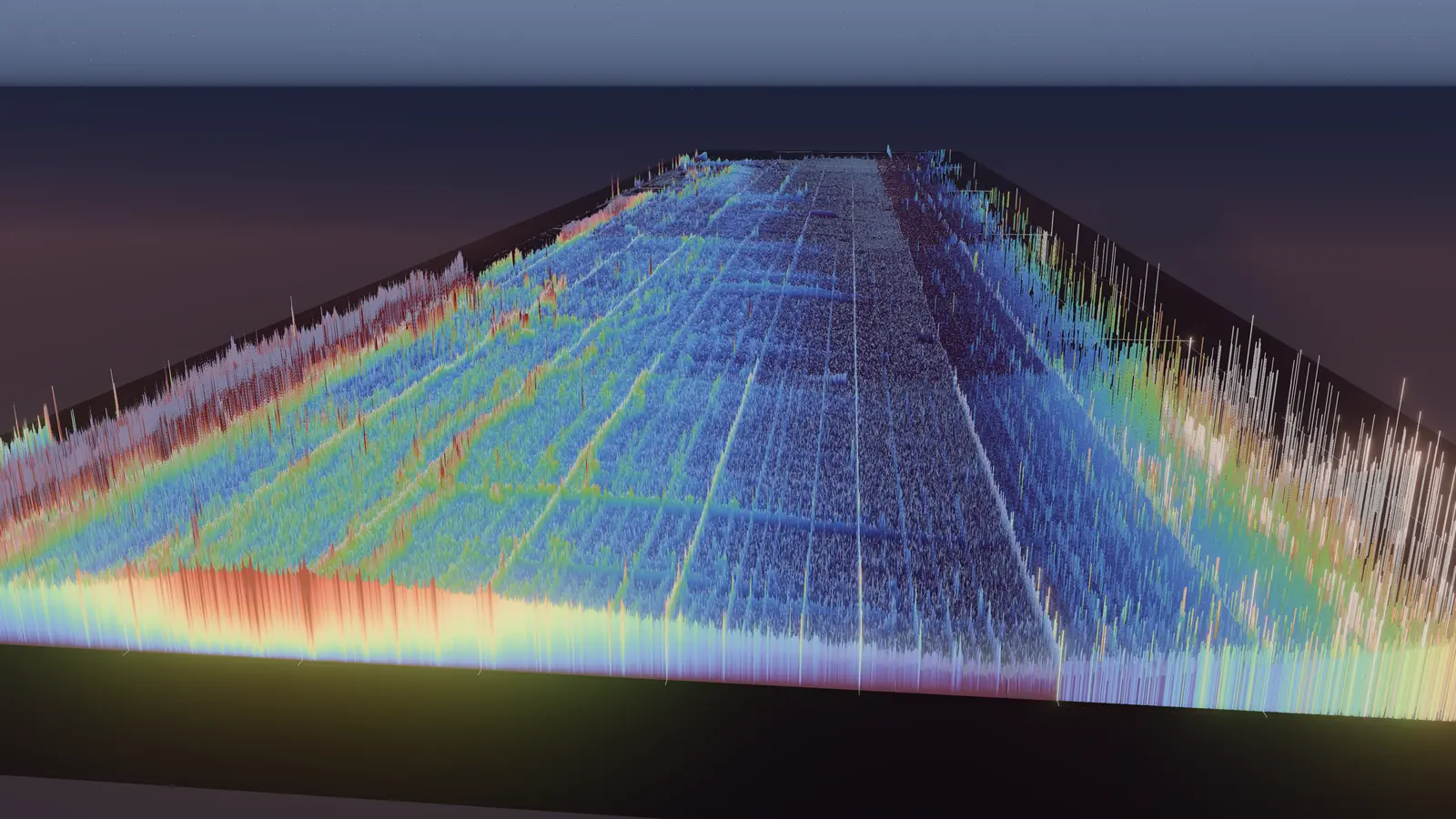
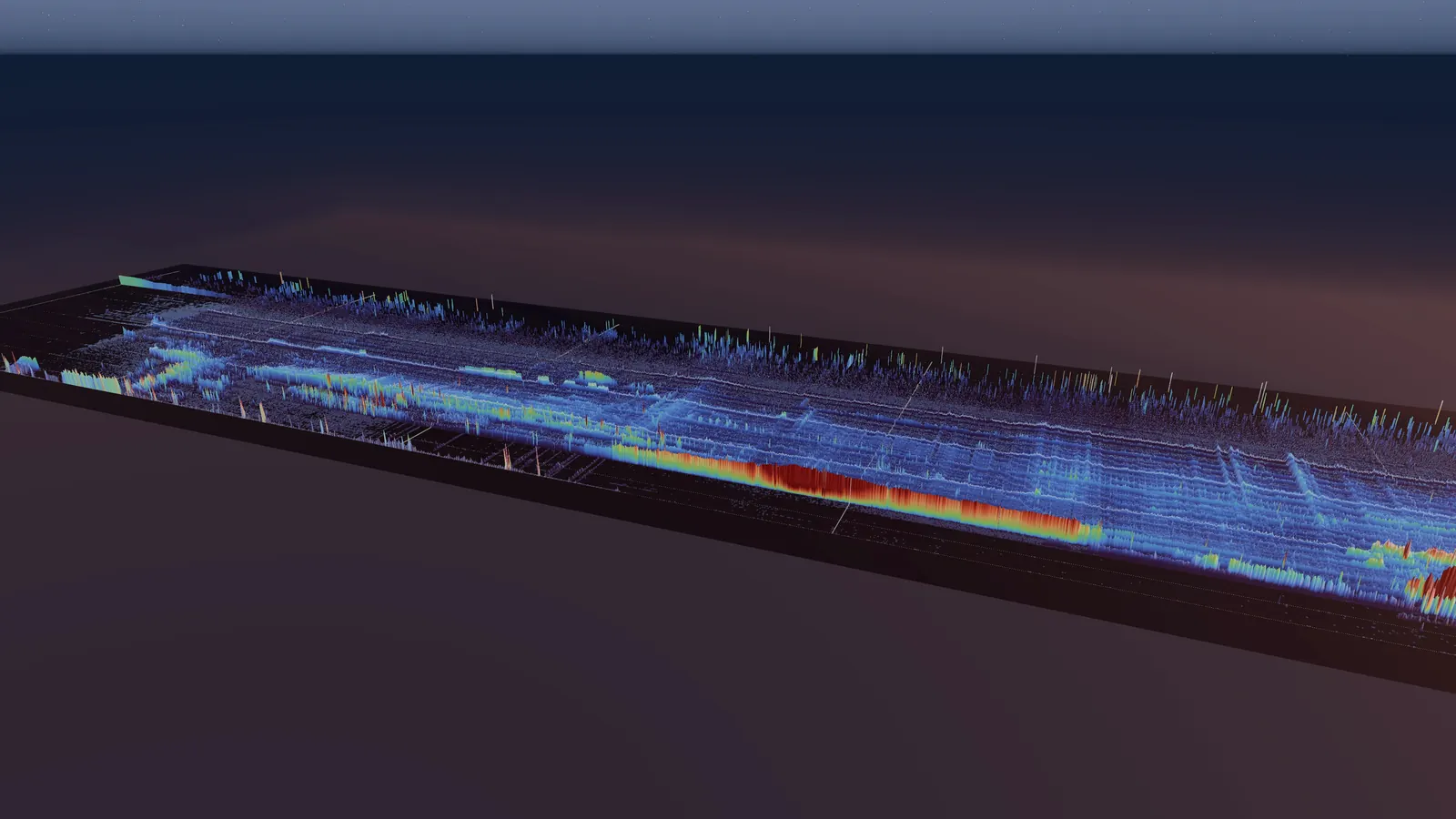
Every bitcoin in existence sits in an unspent output, and every one of those outputs is in this landscape. Seen from above it is a map: time runs left to right, from the first block in 2009 to the newest; amount runs upward, from dust to whole coins to thousands of bitcoin. Height and colour show how much remains in each place. Your browser replays the real chain to draw it.
I. Field
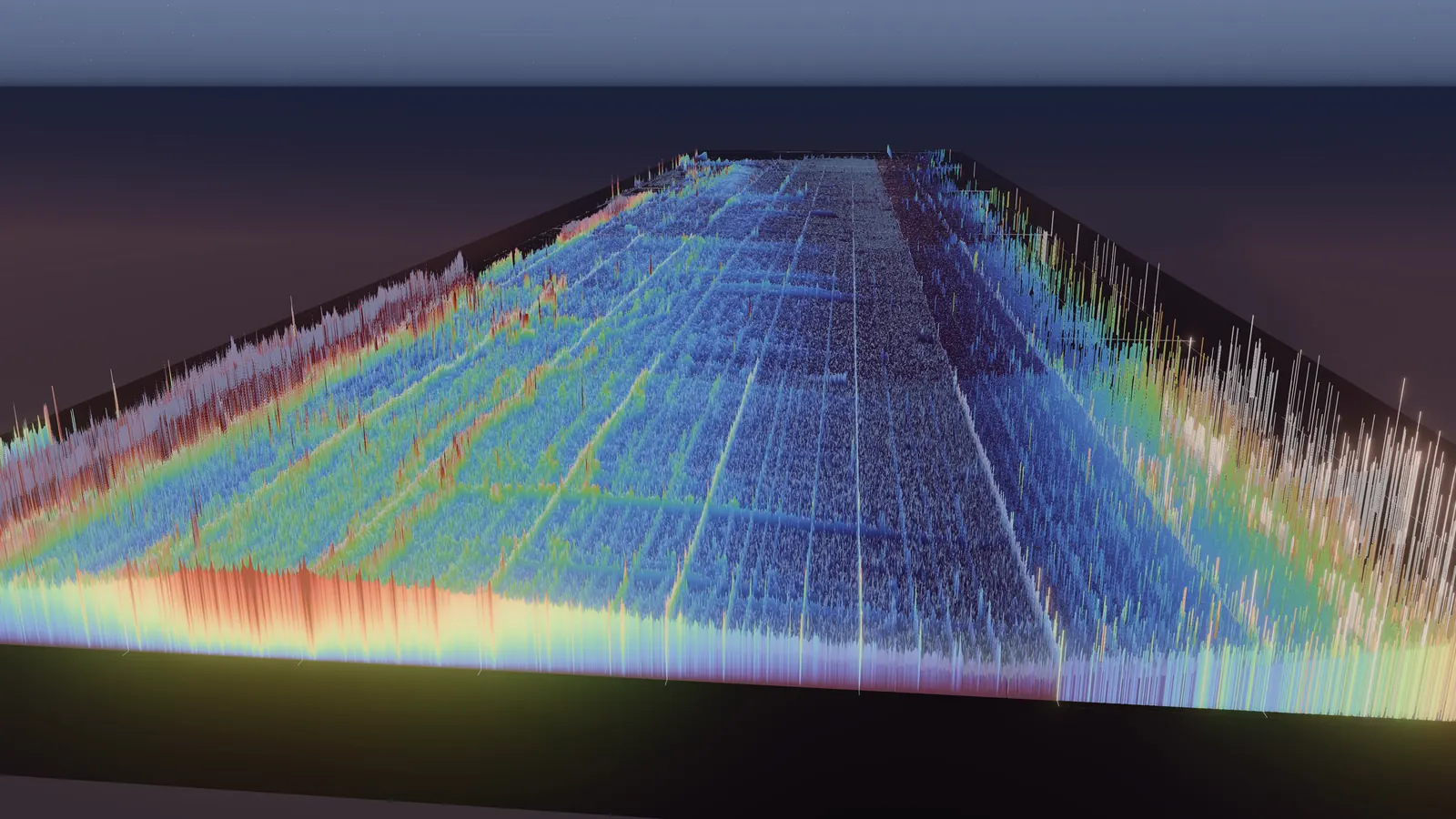
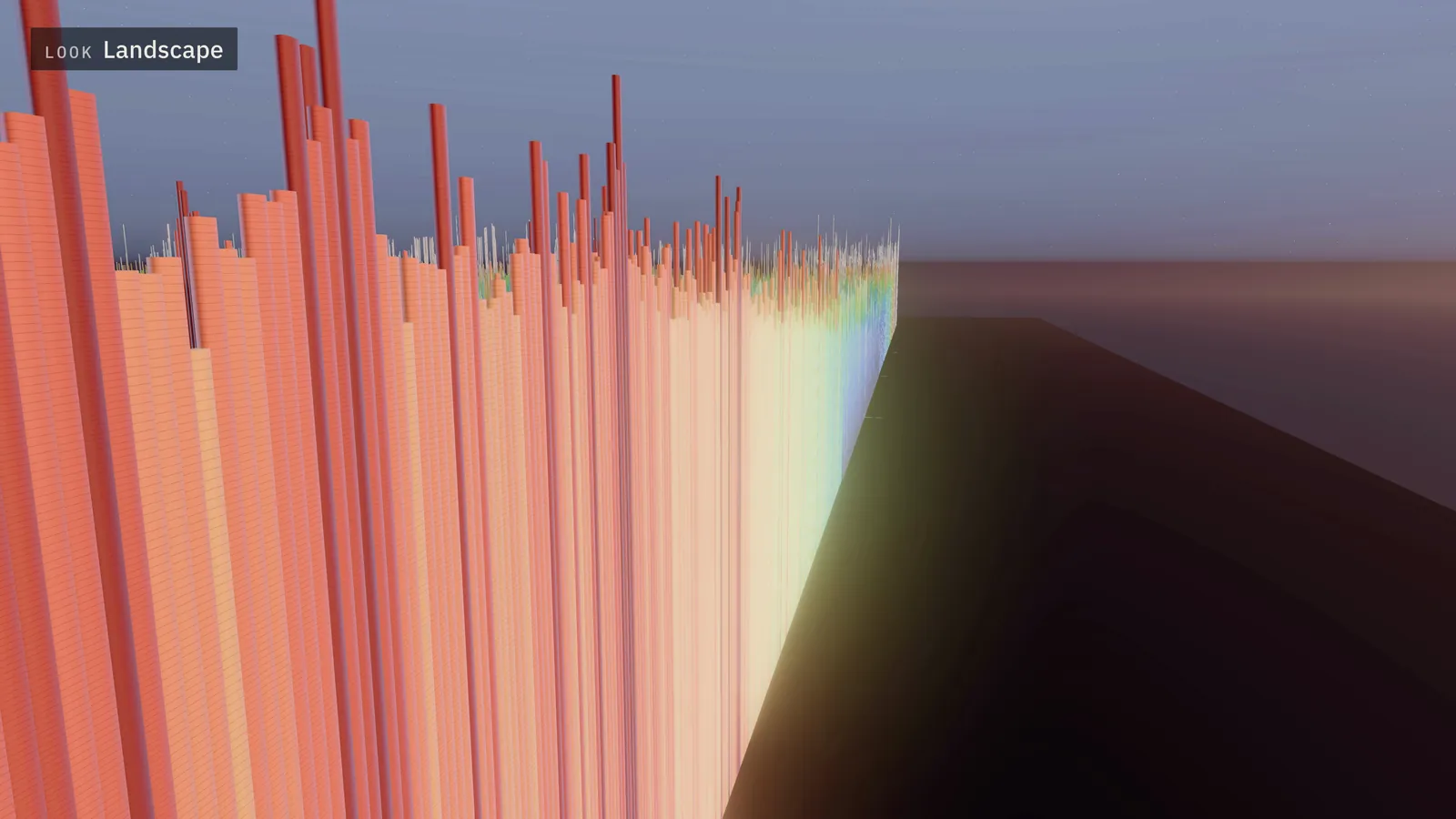
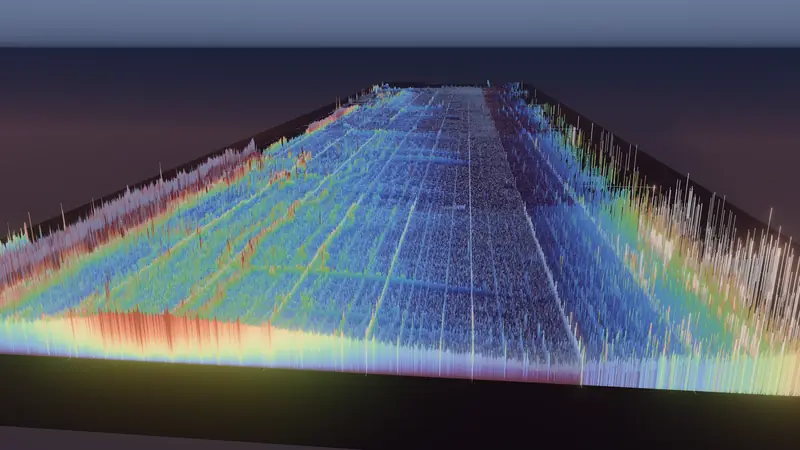
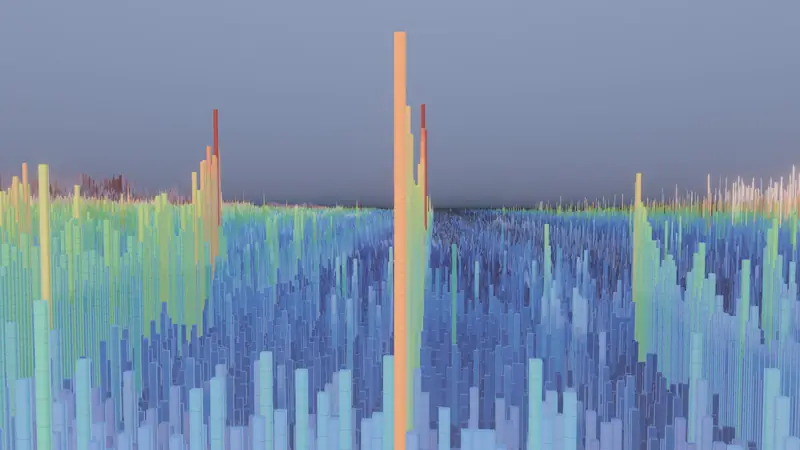
Seen from beyond its newest block, the landscape runs back to 2009 at the horizon. The near edge glows where the chain is still being written. Everything behind it is what remains: outputs that were created at some block and have not been spent since.
Read the data
A cell covers 64 blocks of creation time and one of 2,072 amount rows. Height and colour show weighted density: an output of up to 5 BTC counts one; a larger output counts its amount divided by 5 BTC, so large holdings stay visible among the small. Height follows a logarithm of that value.
II. The map
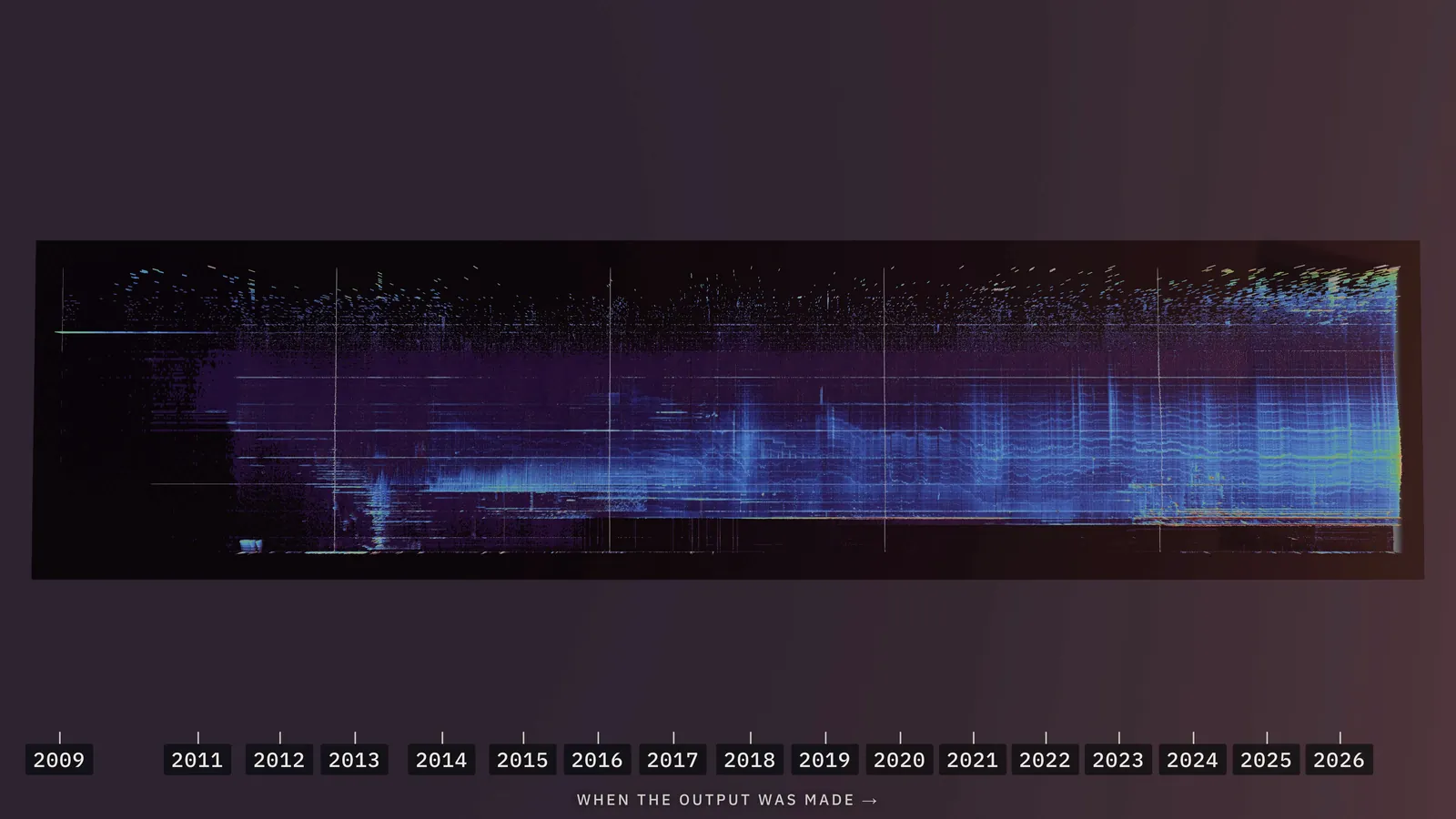
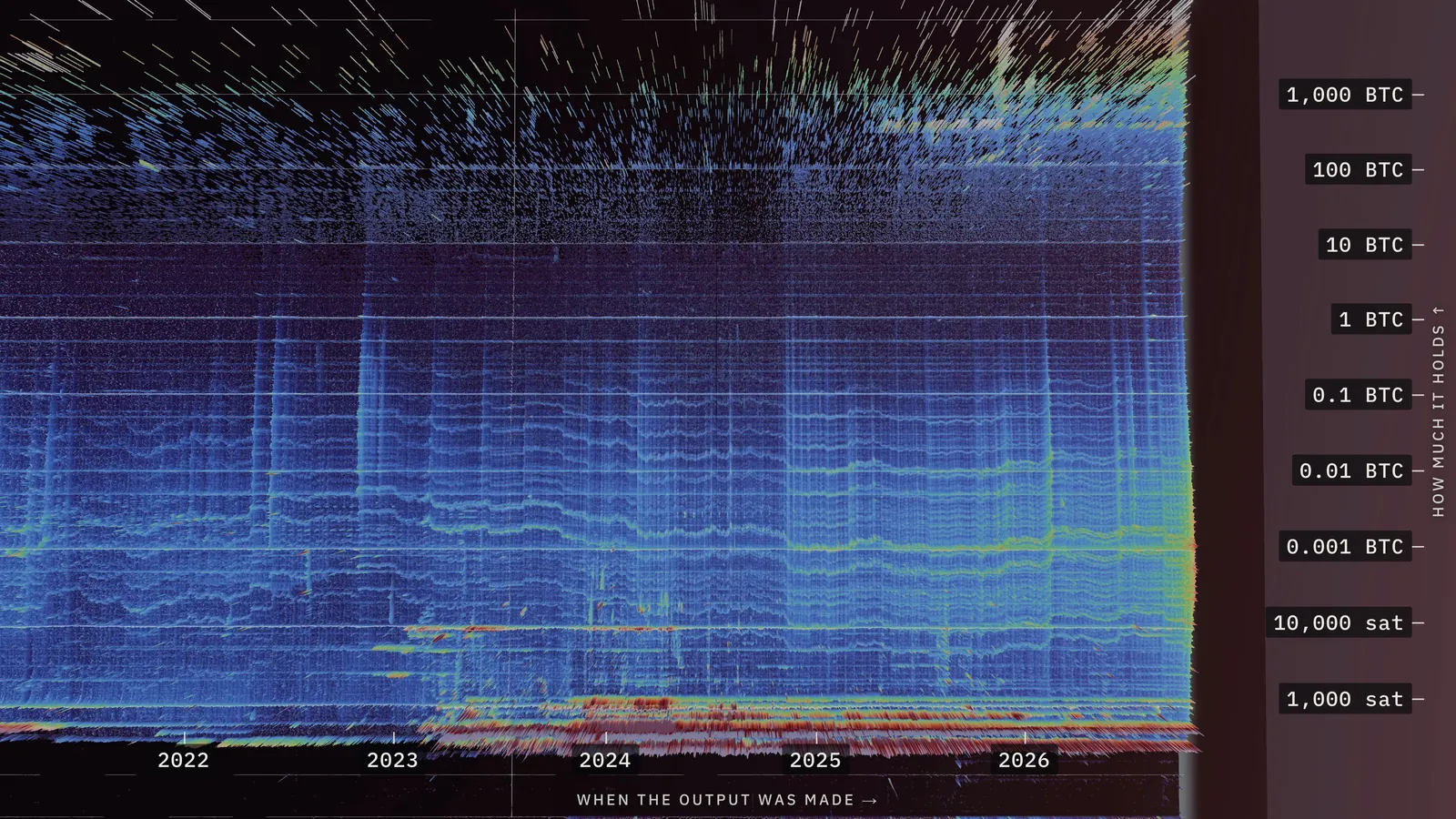
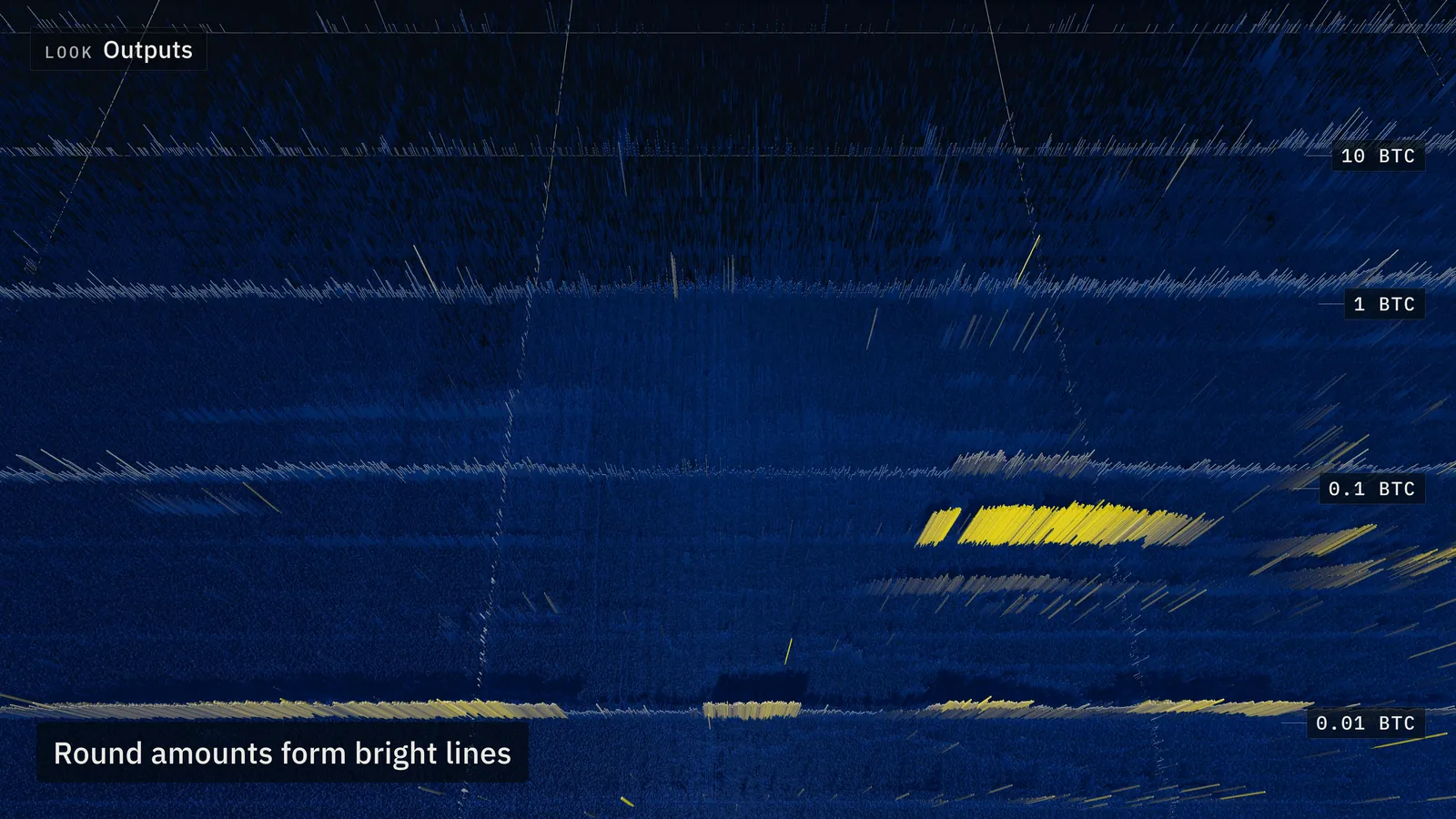
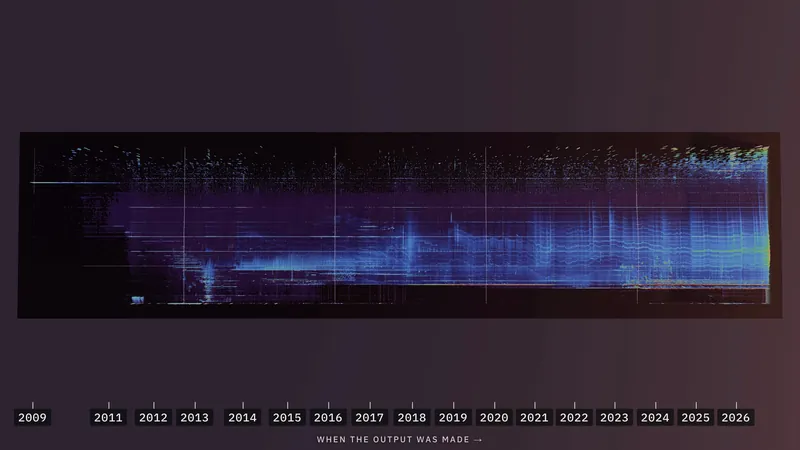
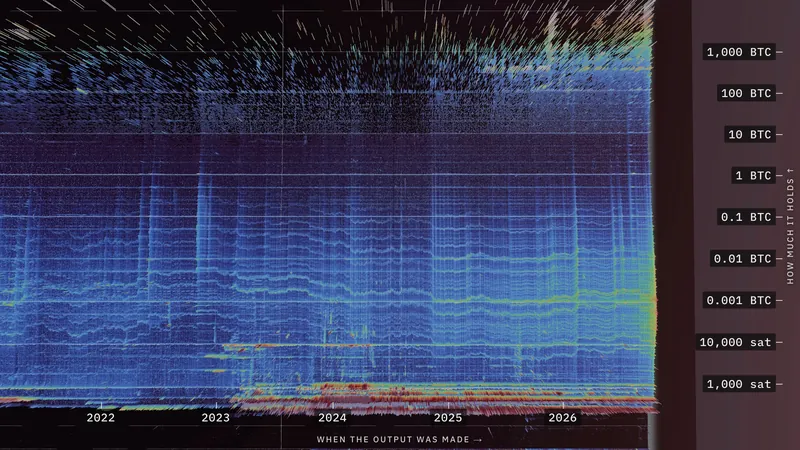
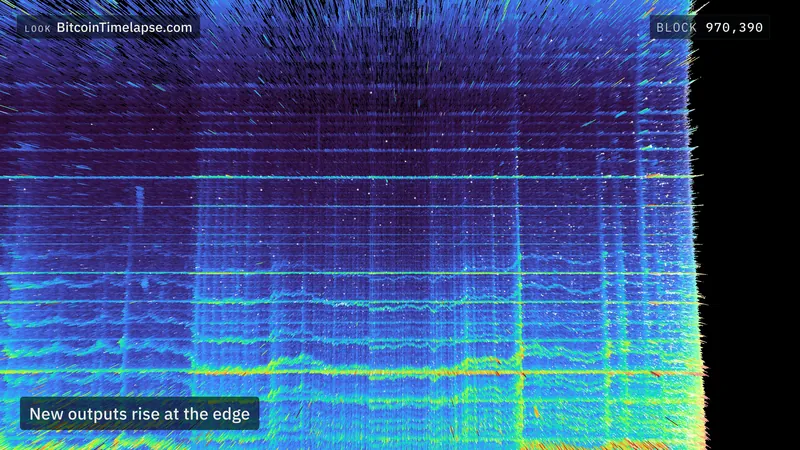
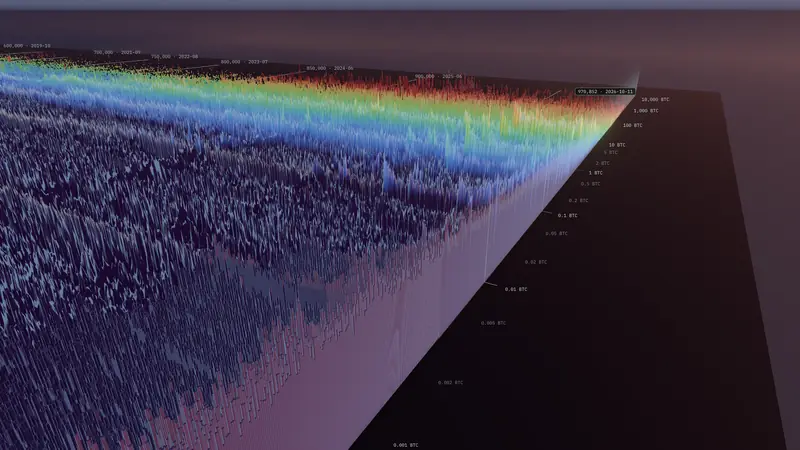
From above, the field becomes a map. Time runs left to right, from the first block in January 2009 to the newest, at the right edge. Amount runs upward on a scale where each step is ten times the one below: single satoshis at the bottom, whole coins in the middle, 10,000 BTC and more at the top. Every point on the map is a cell, and bright lines are amounts that many outputs share.
III. Five places
Bitcoin’s history leaves shapes on the map that you can learn to recognise. The film visits five of them, each in the look that shows it best.
-
 Look · Landscape
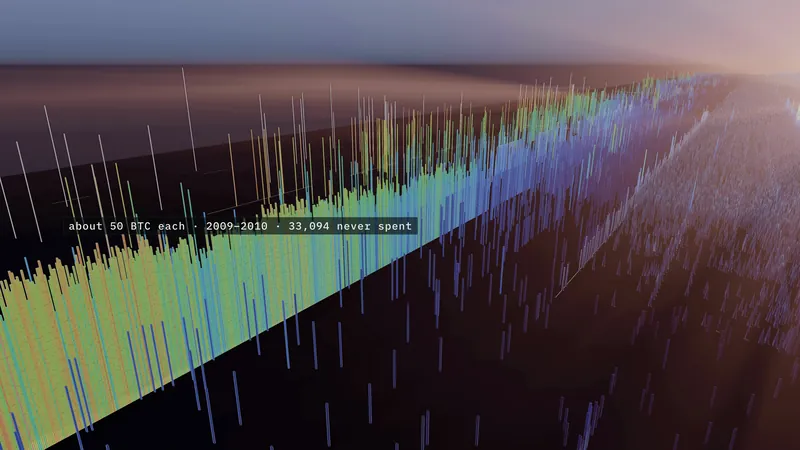
The first line
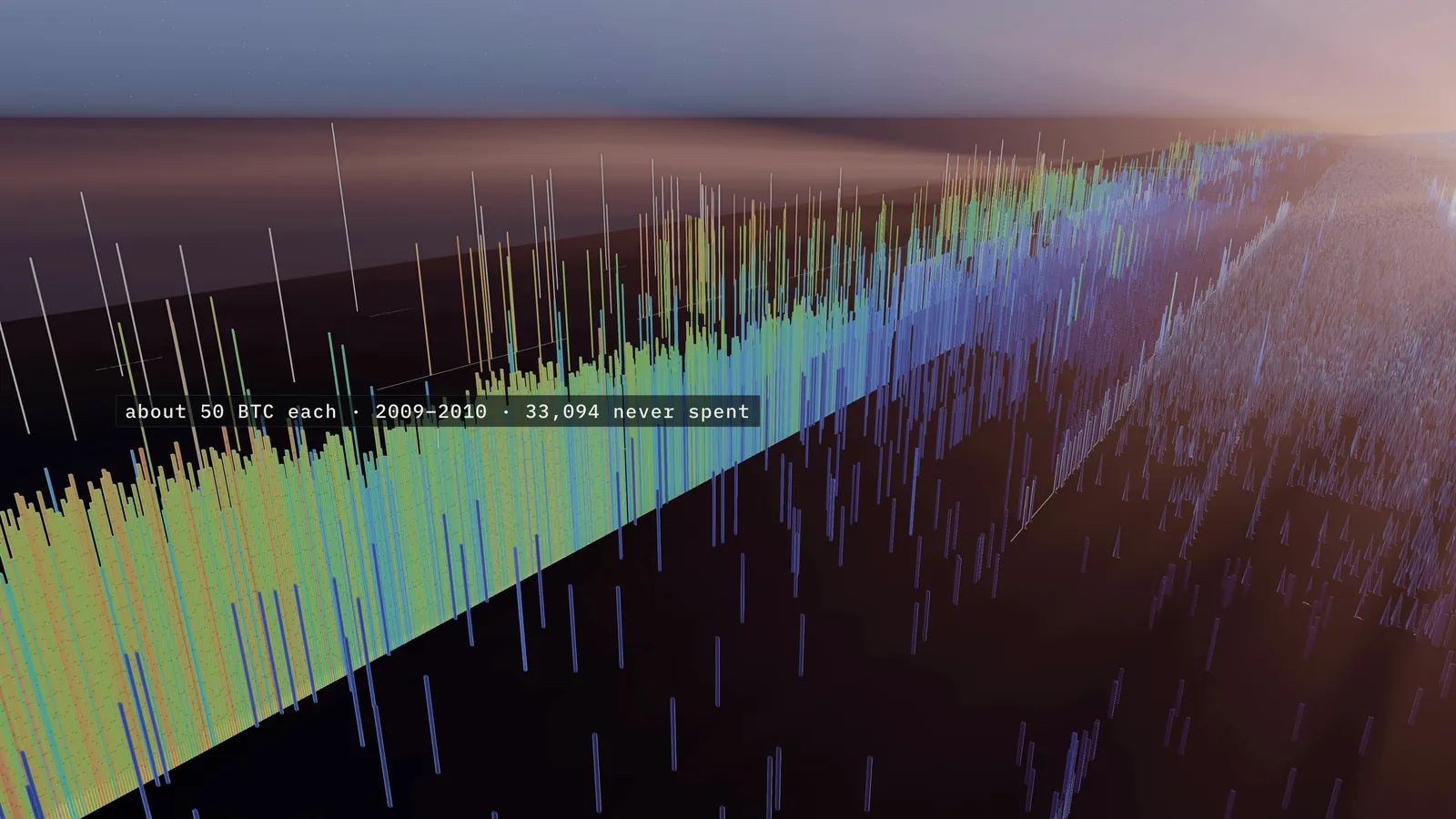
The oldest row still standing: outputs of about 50 BTC, the block reward of 2009 and 2010. 33,094 of them have never moved; together they hold about 1.65 million BTC.
Explore this view -
 Look · Outputs
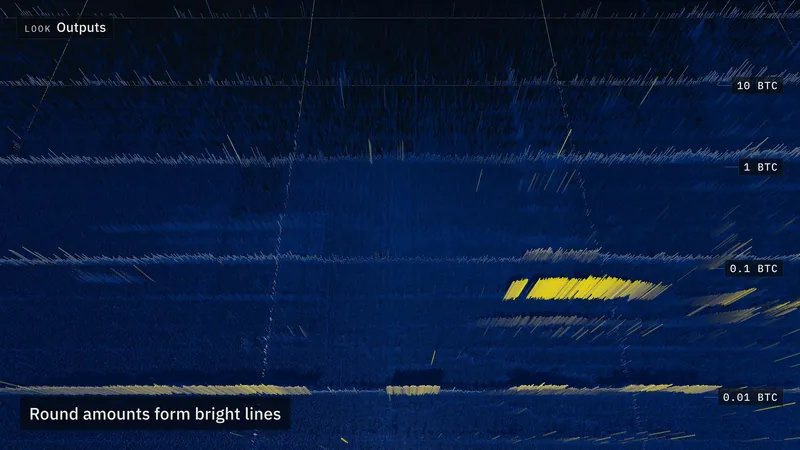
Round amounts
Bright lines are popular amounts. From 2014 to 2018, the rows around 0.01, 0.1, 1 and 10 BTC each hold at least twice as many outputs as any of the two rows on either side.
Explore this view -
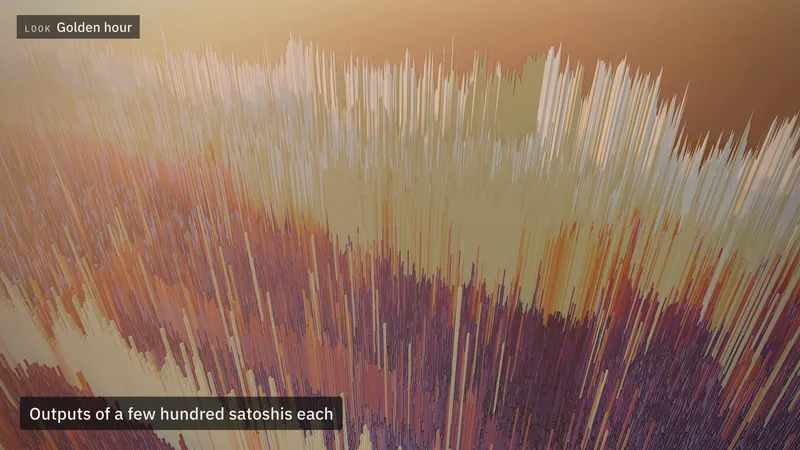
 Look · Golden hour
The ridge
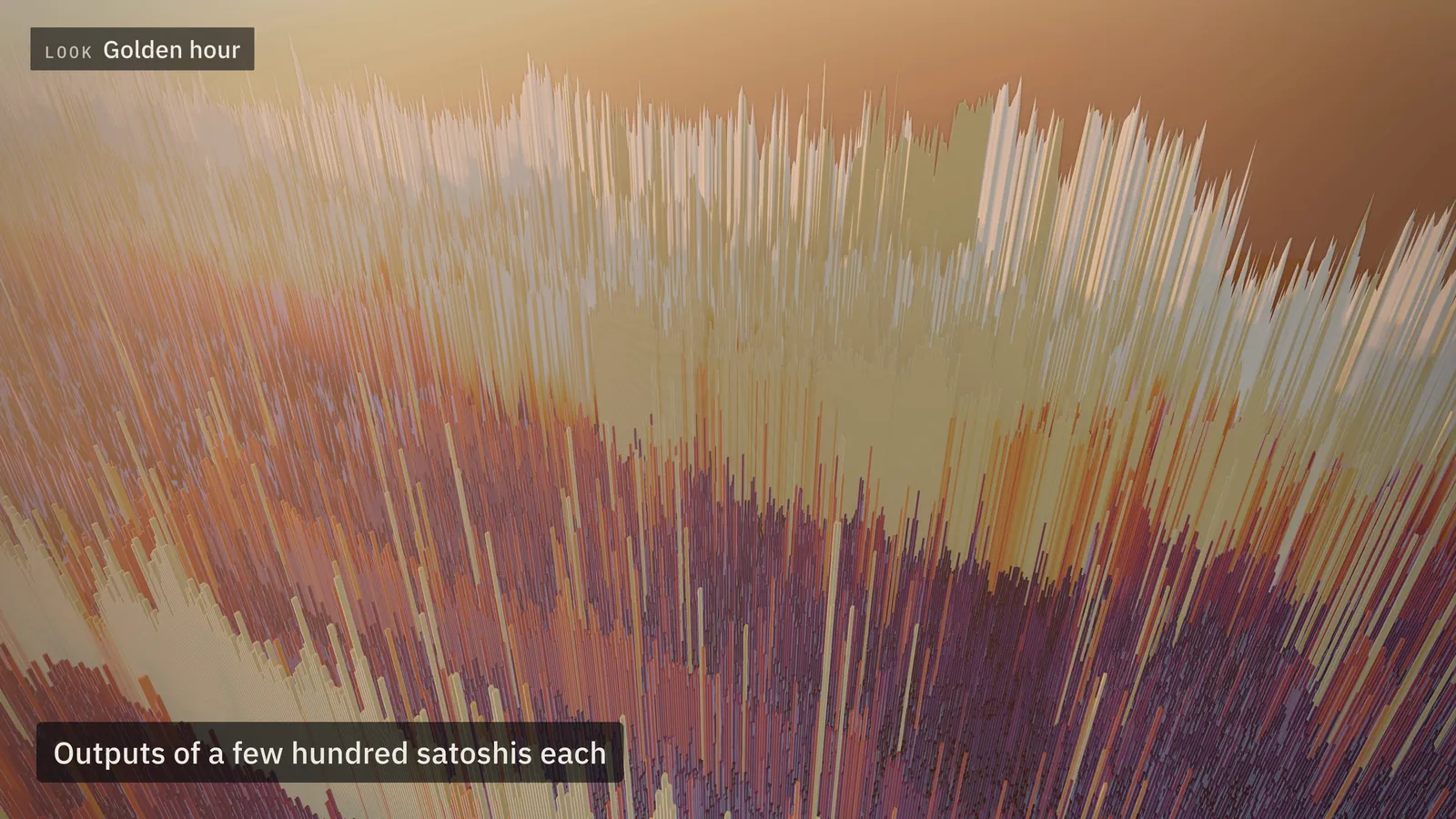
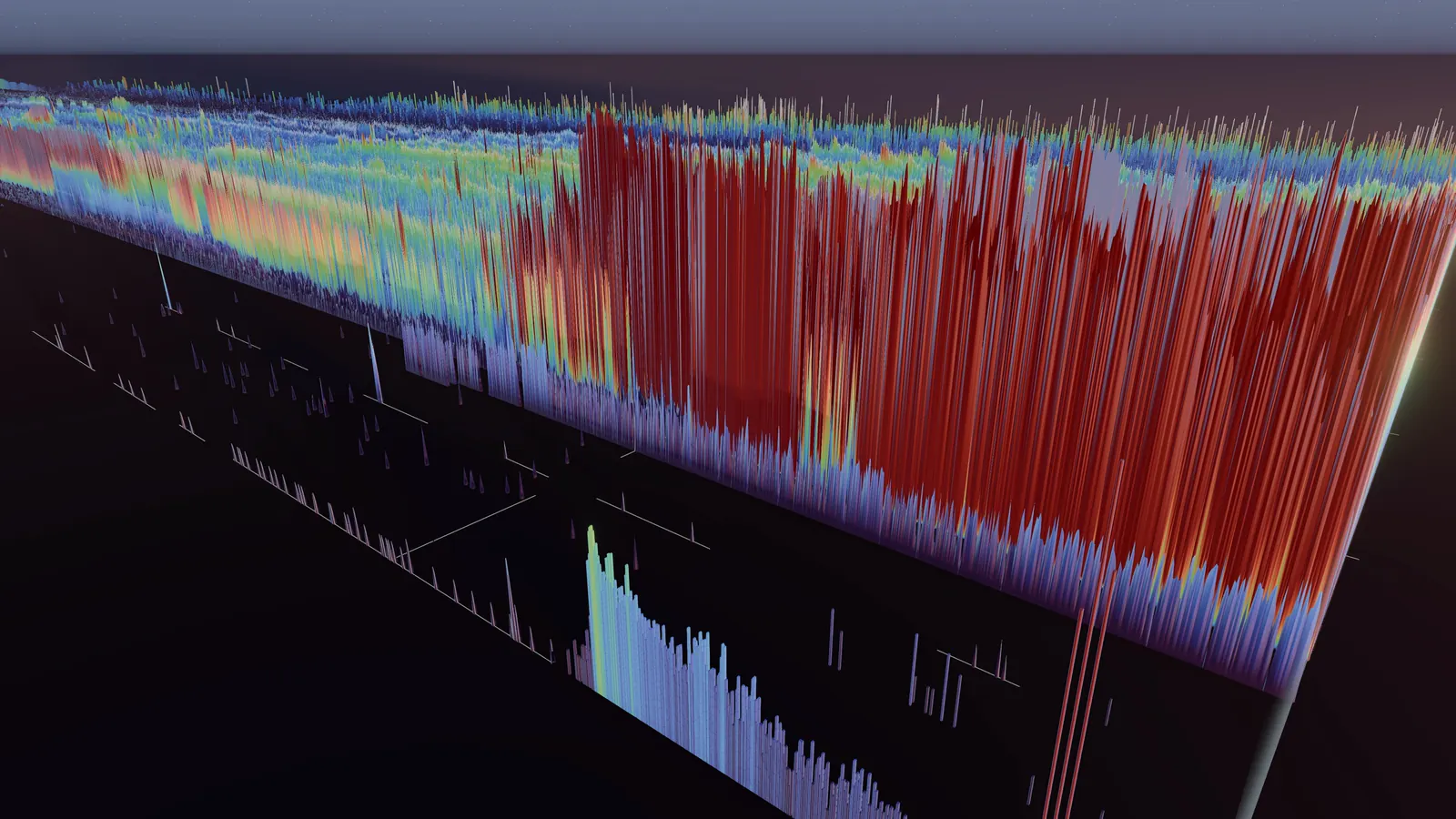
From 2023, a ridge of tiny outputs piles up, worth a few hundred satoshis each.
Explore this view -
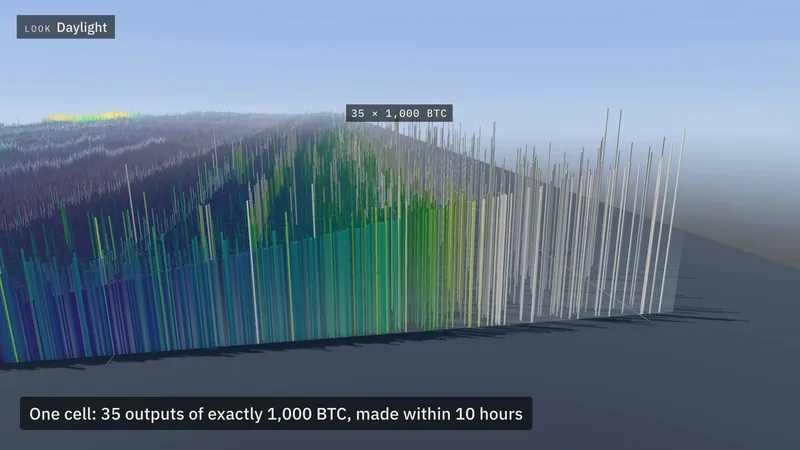
 Look · Daylight
Towers
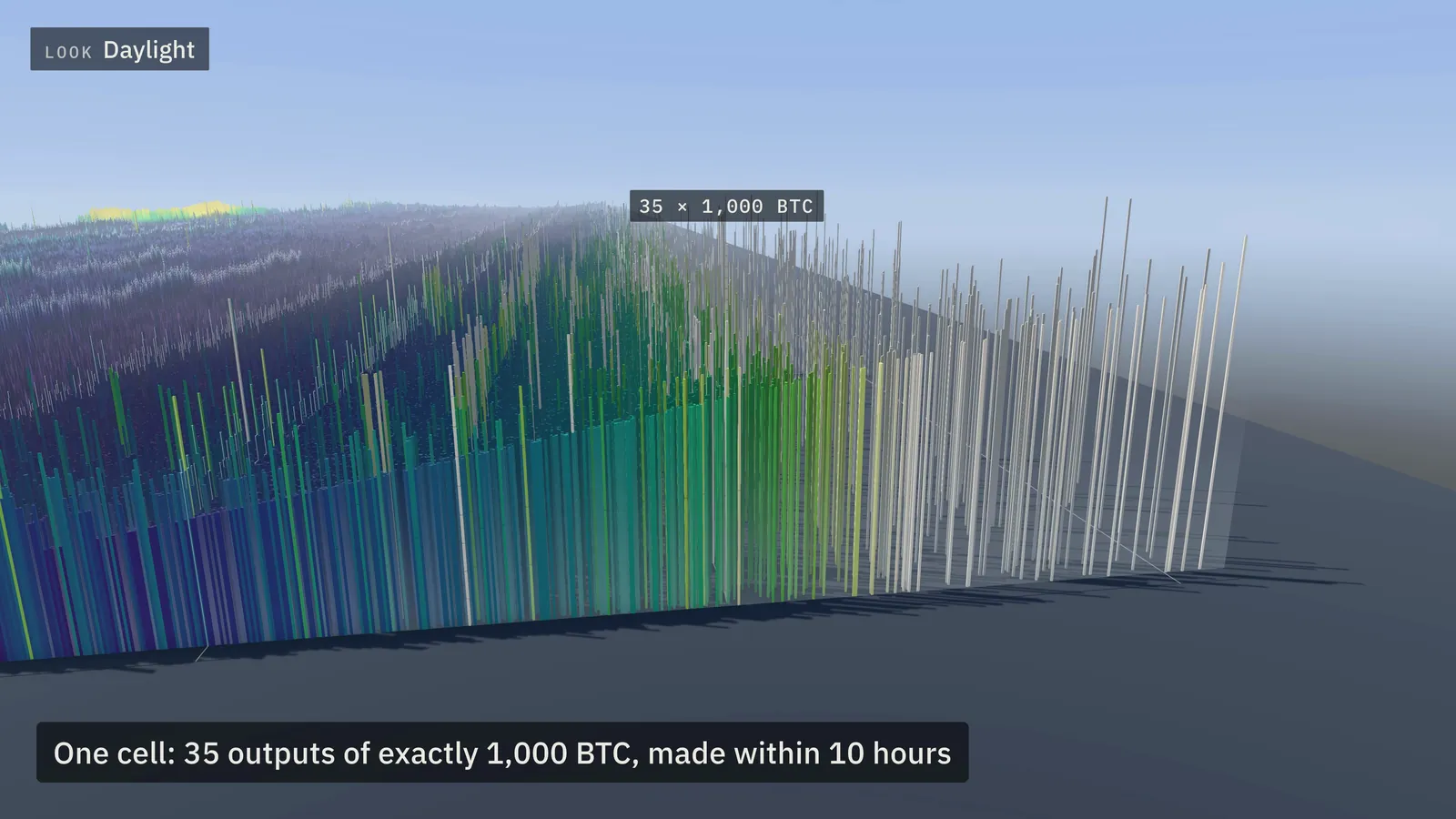
One cell holds 35 outputs of exactly 1,000 BTC, all made within ten hours.
Explore this view -
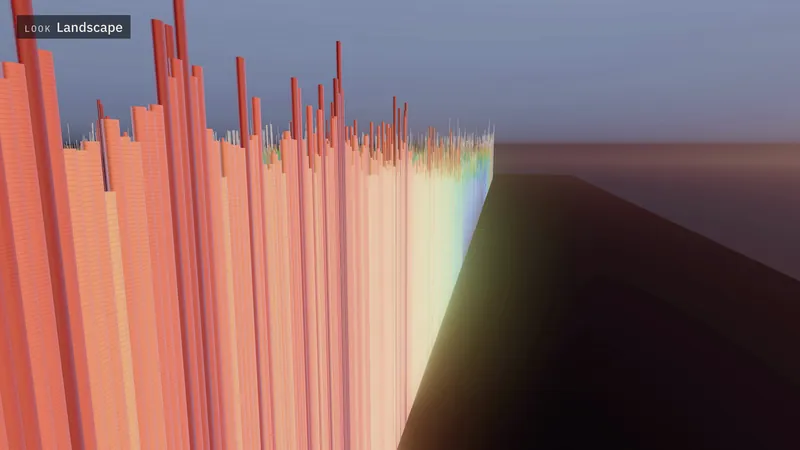
 Look · Landscape
The newest edge
The field only grows here, at its right-hand edge, one block at a time.
Explore this view
IV. A cell
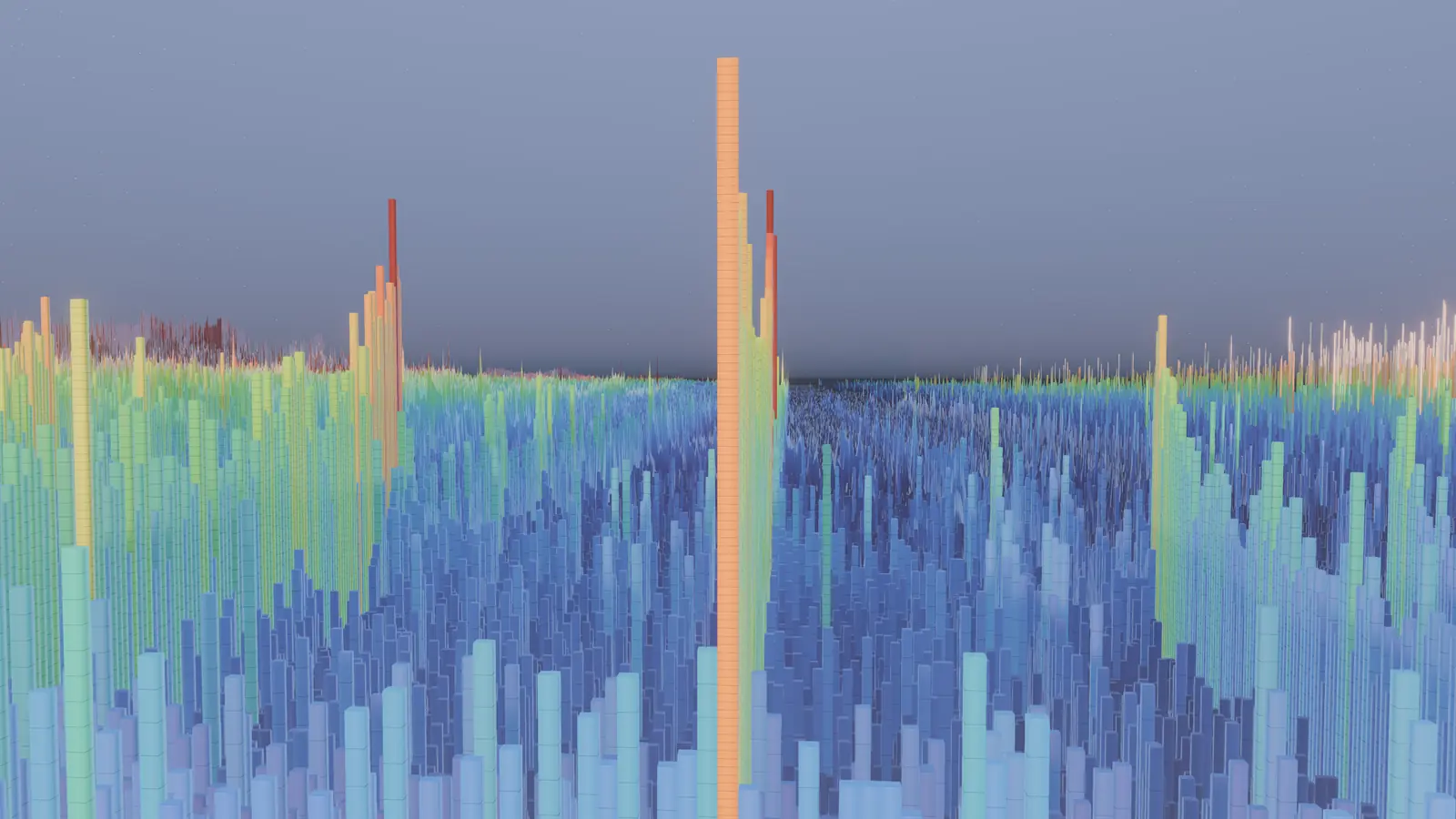
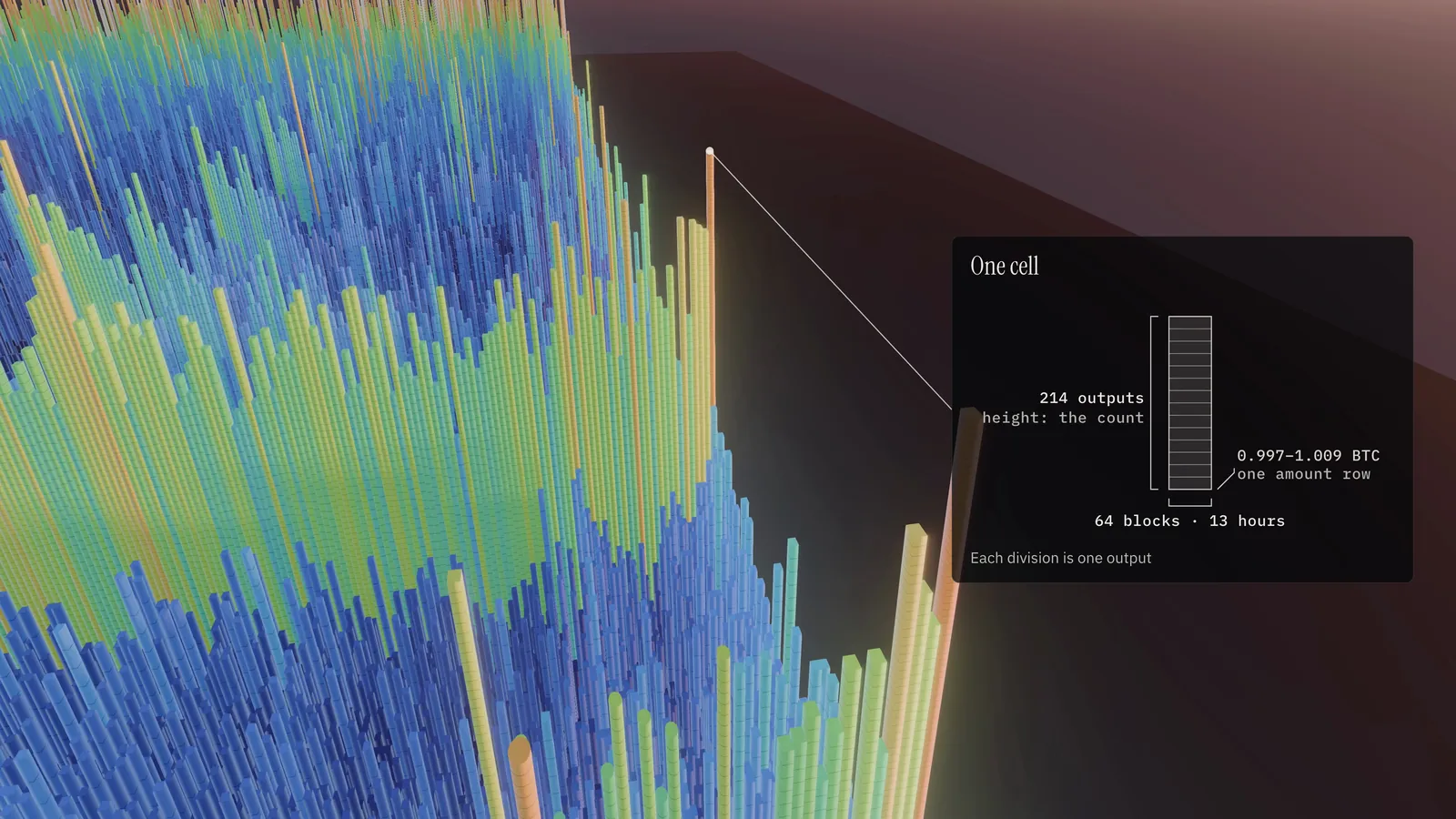
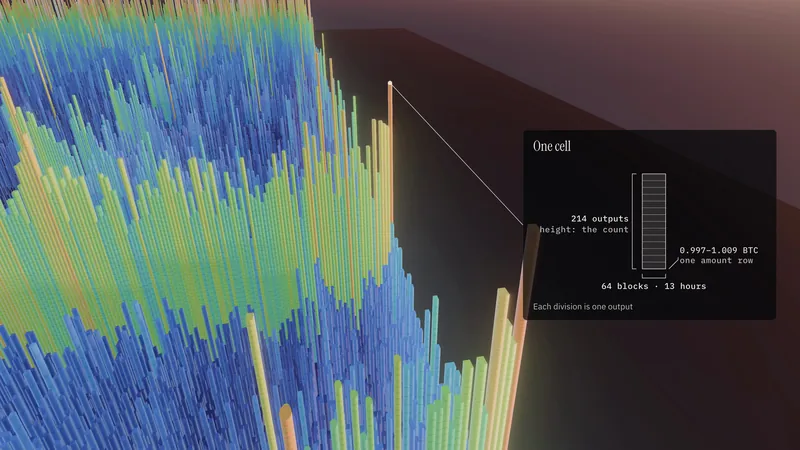
Come close and the map breaks into columns. Each column is a cell: everything made in the same 64 blocks, about half a day, at nearly the same amount. This one holds 214 outputs of about 1 BTC each.
- Width
- 64 blocks, 969,600 to 969,663 · 13 hours
- Depth
- One amount row · 0.997 to 1.009 BTC
- Divisions
- One for each output · 214
- Height
- Grows with the count, on a logarithmic scale
Read the data
Cell 15150:803 covers blocks 969,600 to 969,663 and amounts from 0.99676749 to 1.00868904 BTC. At block 969,652 it holds 214 outputs, 214.0569 BTC. Height is a logarithm of weighted density, so ten times as many outputs do not stand ten times as tall; the divisions always show the exact count.
V. Time
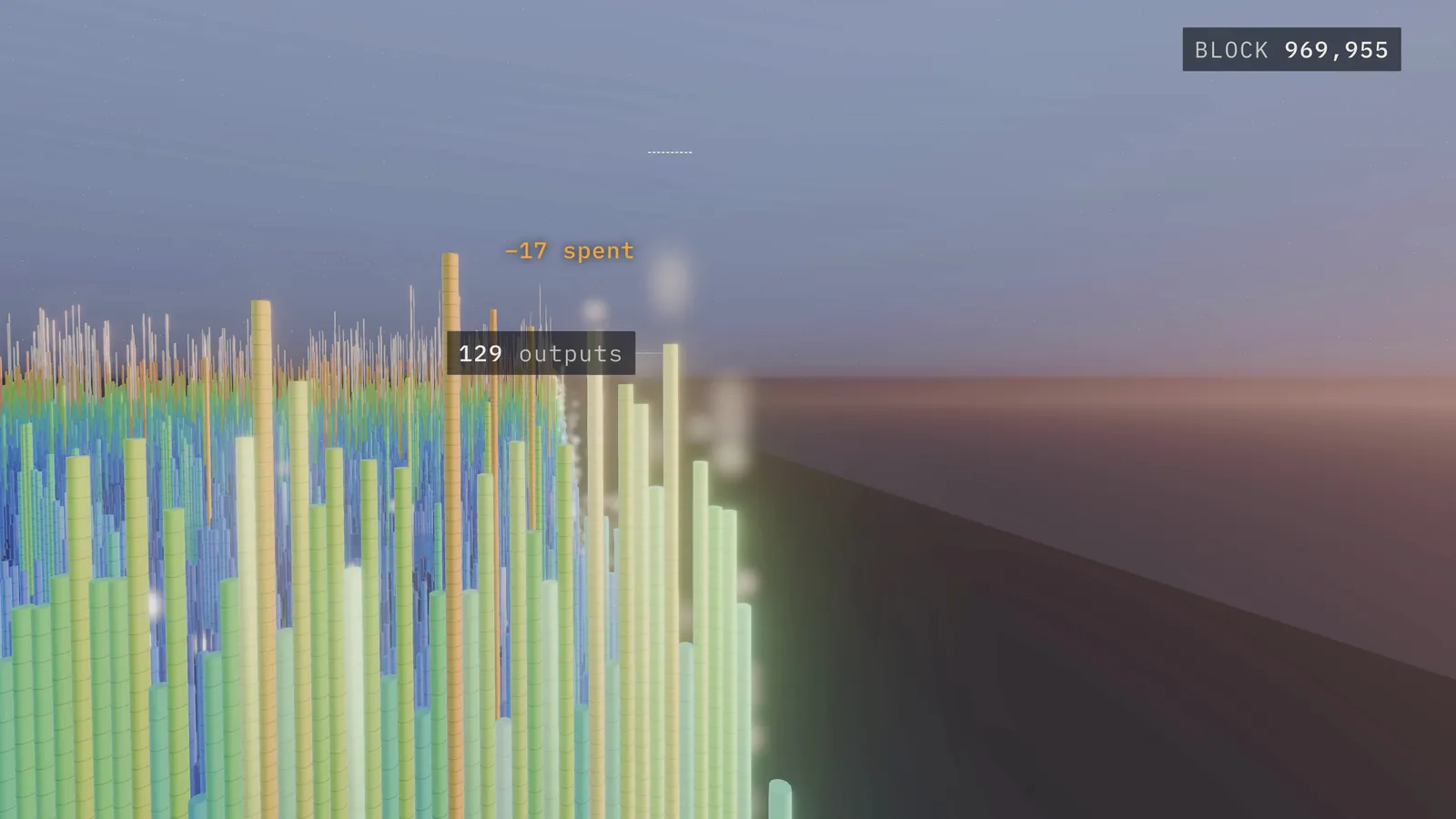
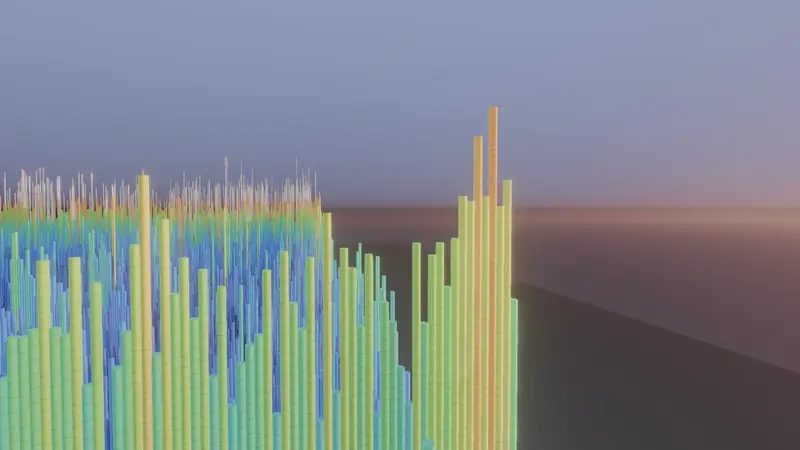
Now let eight days of real blocks run: 1,200 blocks, from 969,652 to 970,852, with the camera still. At block 969,912, seventeen of the cell’s outputs are spent in a single block. A spent output leaves the unspent set; its bitcoin is not destroyed but moves into new outputs at the edge. The column grows to 232 outputs while its last blocks are written, then only loses them, down to 94.
Read the data
The cell holds 214 outputs at block 969,652, 160 at block 969,911, 143 after block 969,912, 108 at block 970,345 and 94 at block 970,852. Flashes mark spends, brighter for more bitcoin moved; spends of coins created within the last four weeks are dimmed, because young coins move constantly.
VI. From above
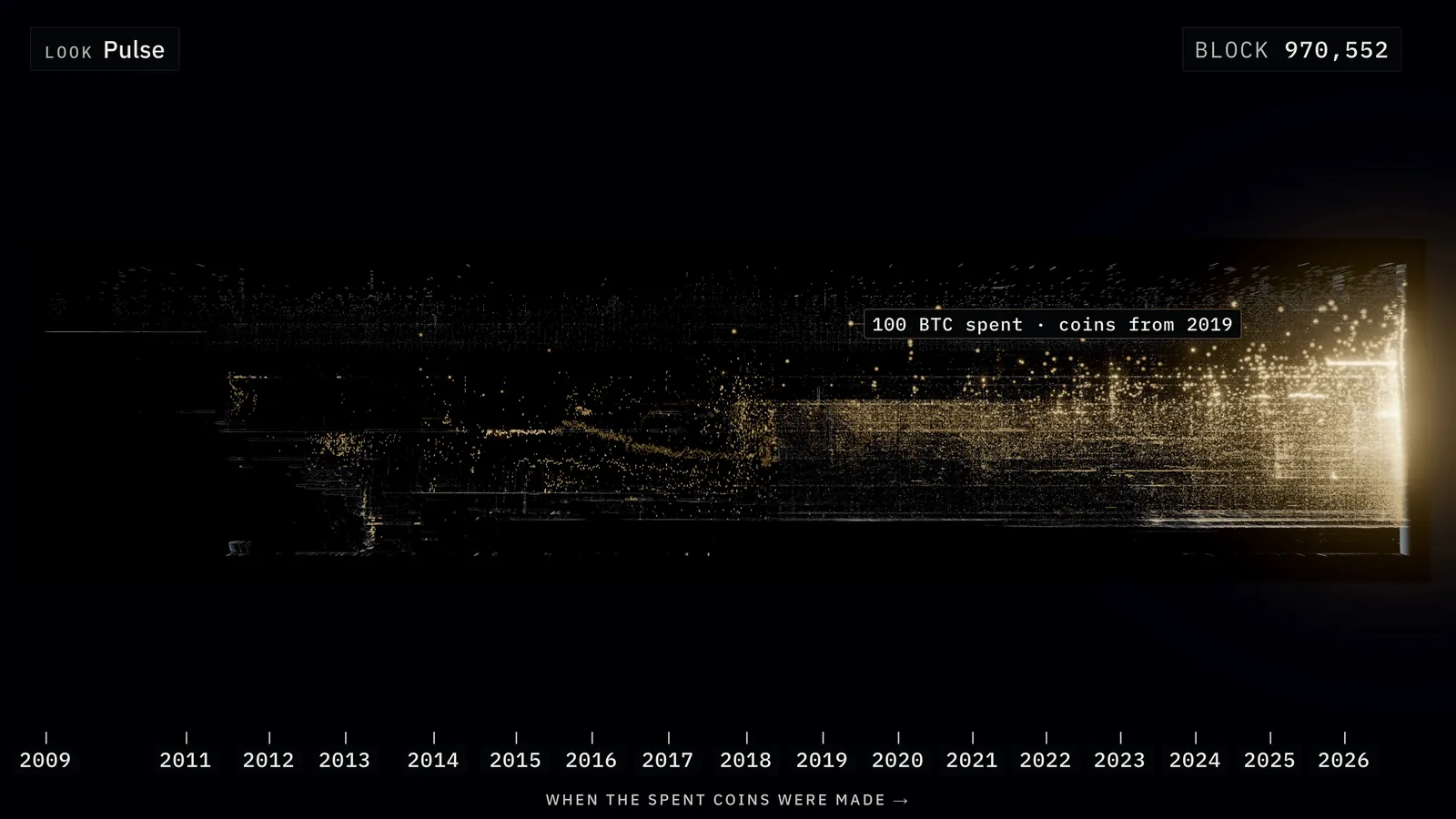
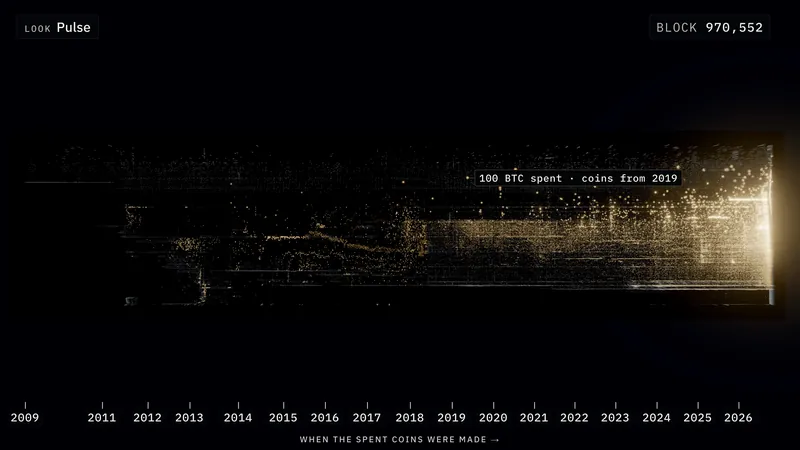
The same eight days, from above. Each flash is a spend: outputs leaving one cell in that block, drawn where their coins were made, so the years along the bottom read as their age. Most flashes crowd the newest edge, where young coins move all the time. The rest are old coins waking up anywhere back to 2009: 1,000 BTC made in 2018, 100 BTC from 2019.
Explore Pulse from above Explore the film’s look
Both open at block 969,652. Press Play to watch the flashes.
Read the data
A flash’s brightness follows the bitcoin moved. The film’s Pulse view shortens the glow to a half-life of 100 blocks and tames the newest edge, which is spent constantly, so that eight days read clearly; the link carries those settings. The labels in the film name a few of these spends of older coins.
VII. Readings
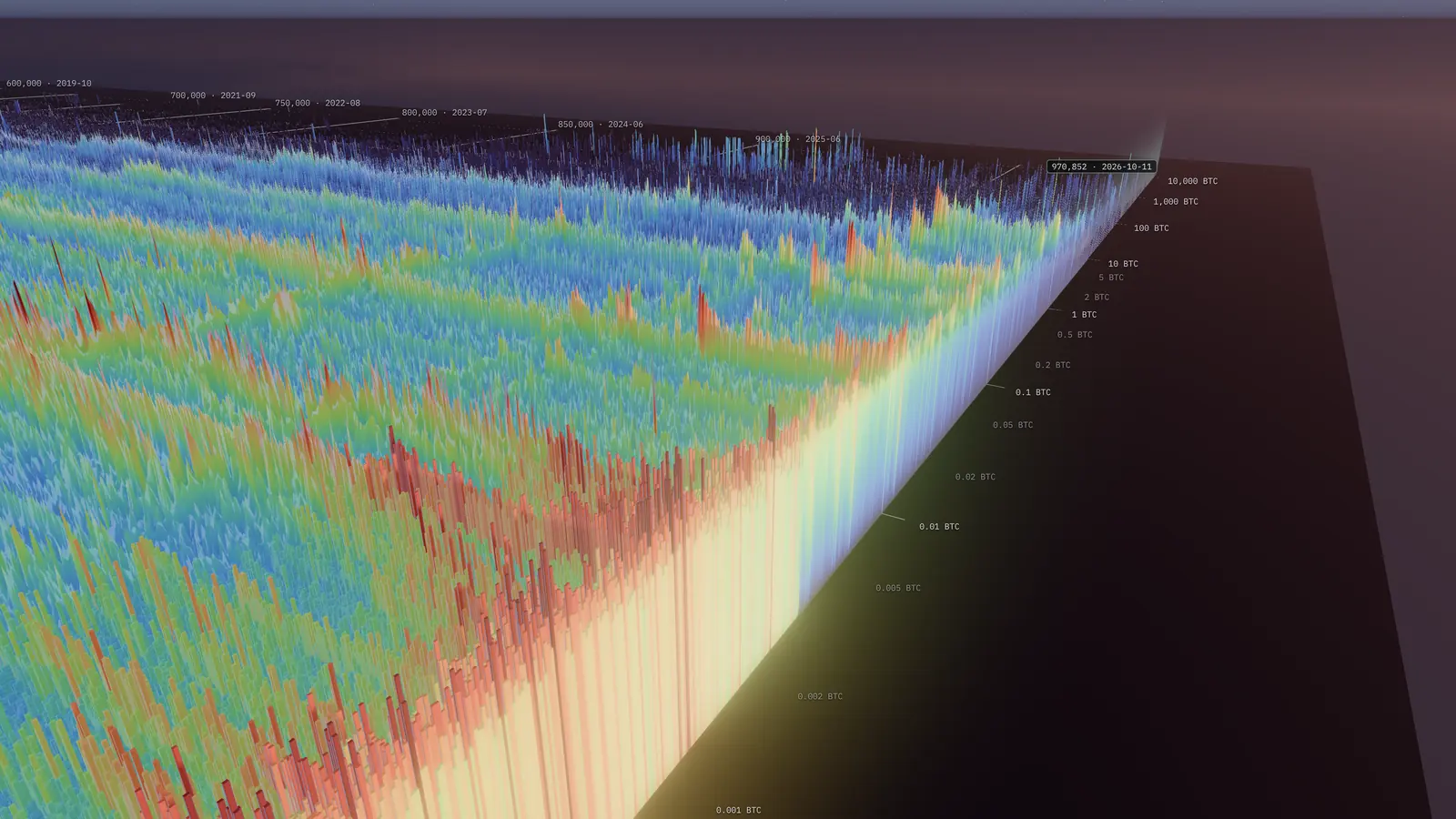
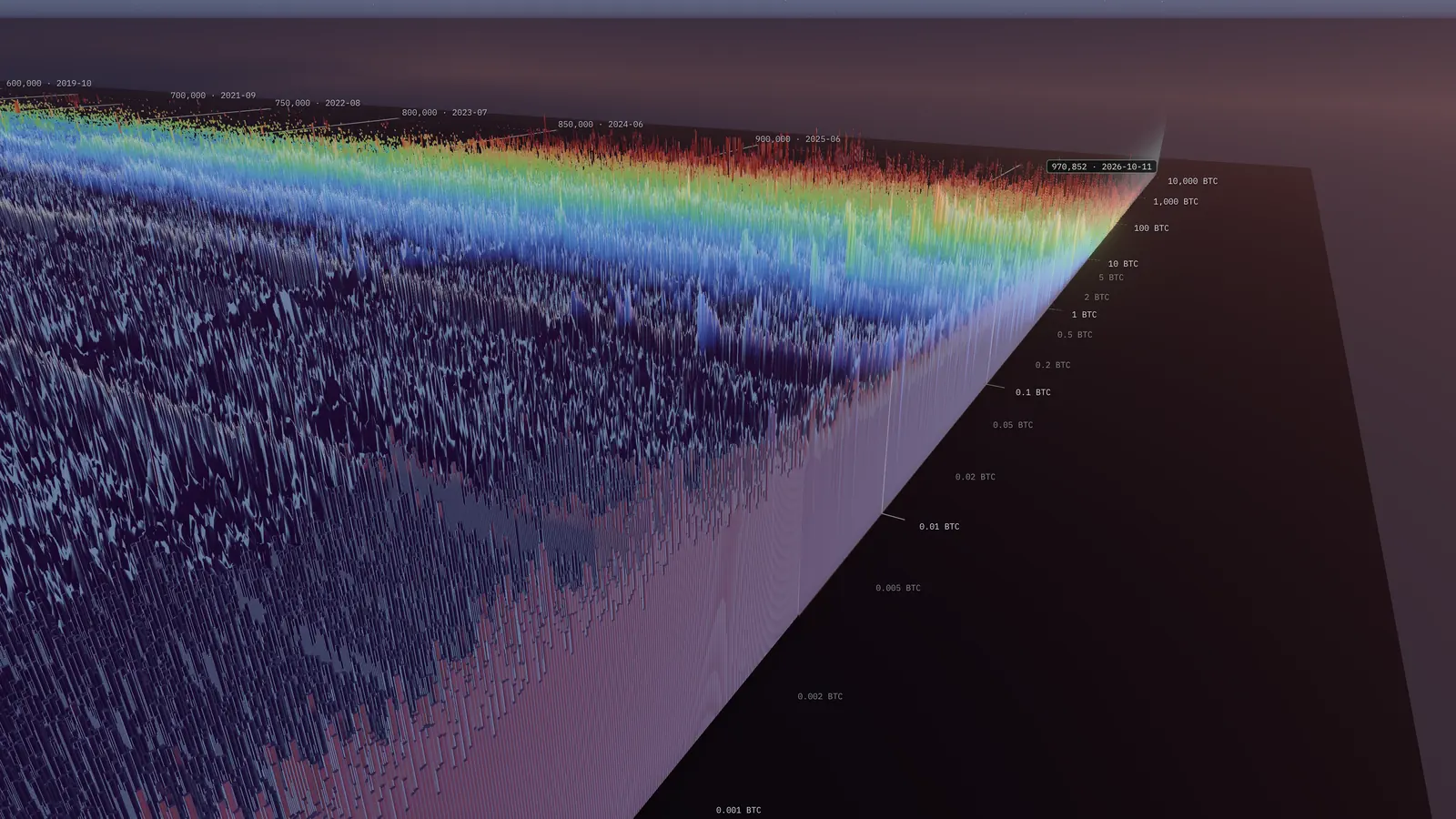
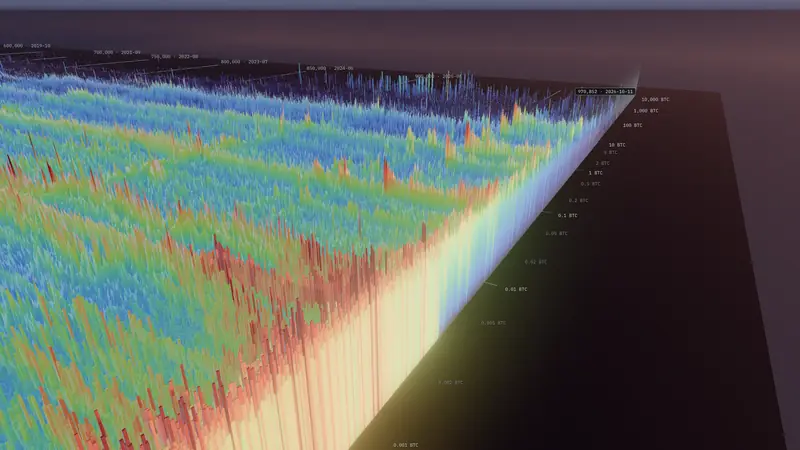
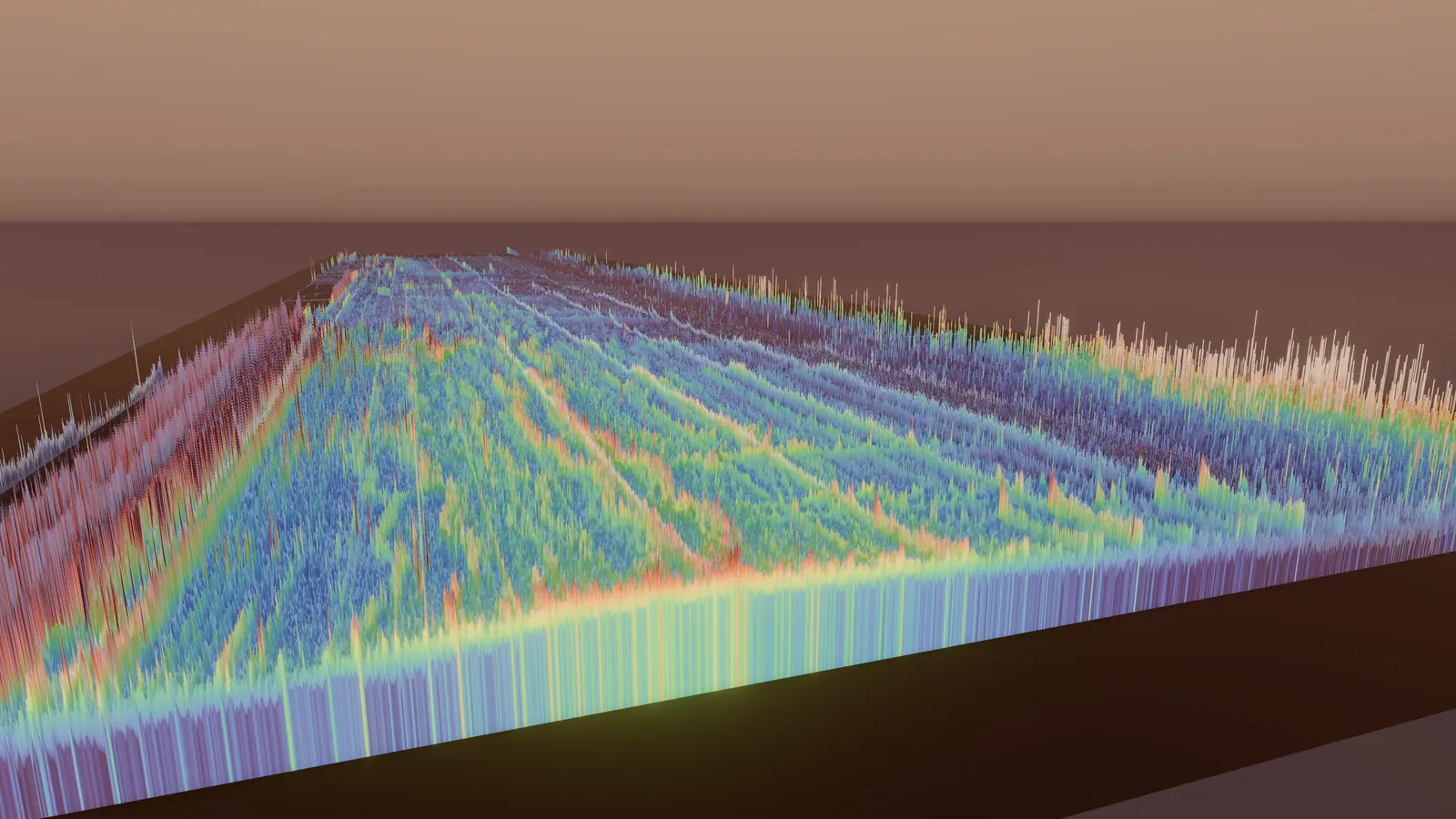
Colour can answer different questions. In both views height shows the number of outputs. In the first, the warmer the colour, the more outputs: the crowded rows of small amounts burn brightest. In the second, the warmer the colour, the more bitcoin: the crowded rows go dark, and the rows above 5 BTC light up.
Every view on this page opens in the app at its exact block and camera.
Practical
The guide
Navigation
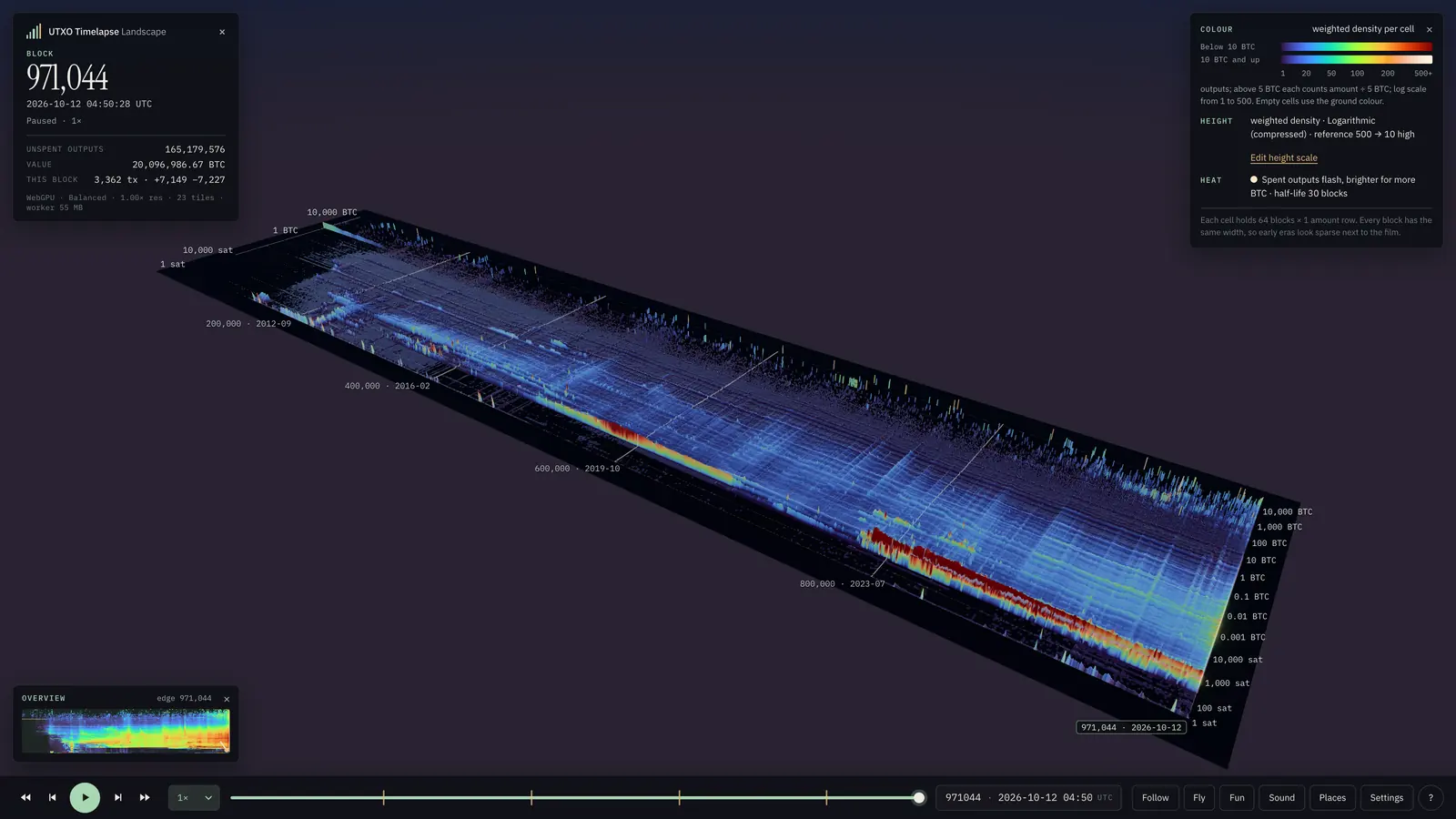
There are two ways to move. The app opens in map mode: drag to pan, and the point you grabbed stays under the cursor. Right-drag or Shift-drag orbits around the point under the cursor, the wheel or a trackpad pinch zooms toward it, and a double-click flies there. P opens Places, which flies to landmarks in the data: the first line of 50 BTC rewards, the July 2015 flood, the round amounts, the dust ridge and the towers at the edge.
In fly mode you steer the camera yourself. F, or the Fly button, switches to it: the mouse looks around, WASD flies, E and Q go up and down, Shift is 4x faster and the wheel sets the speed. Esc returns to map mode.
Keys and mouse
Map mode
- Drag
- Pan
- Right-drag
- Orbit; or Shift-drag
- Wheel Pinch
- Zoom to the cursor
- Double-click
- Fly there
- Point
- Read the cell
- Click I
- Inspect the cell
- ←↑→↓
- Pan; Shift 4×
- Q E
- Rotate
- PgUp PgDn
- Tilt
Fly
- F
- Enter or leave
- Mouse
- Look
- WASD
- Fly; Shift 4×
- E Q
- Up, down
- Wheel
- Speed
- I
- Inspect at the crosshair
- Esc
- Back to map mode
Time
- Space
- Play, pause
- 0 – 4
- Speed
- [ ]
- One block; Shift a week
- N
- Follow the tip
- M
- Sound
Panels
- G
- Settings
- P
- Places
- H ?
- Help
- Esc
- Close a panel
Touch
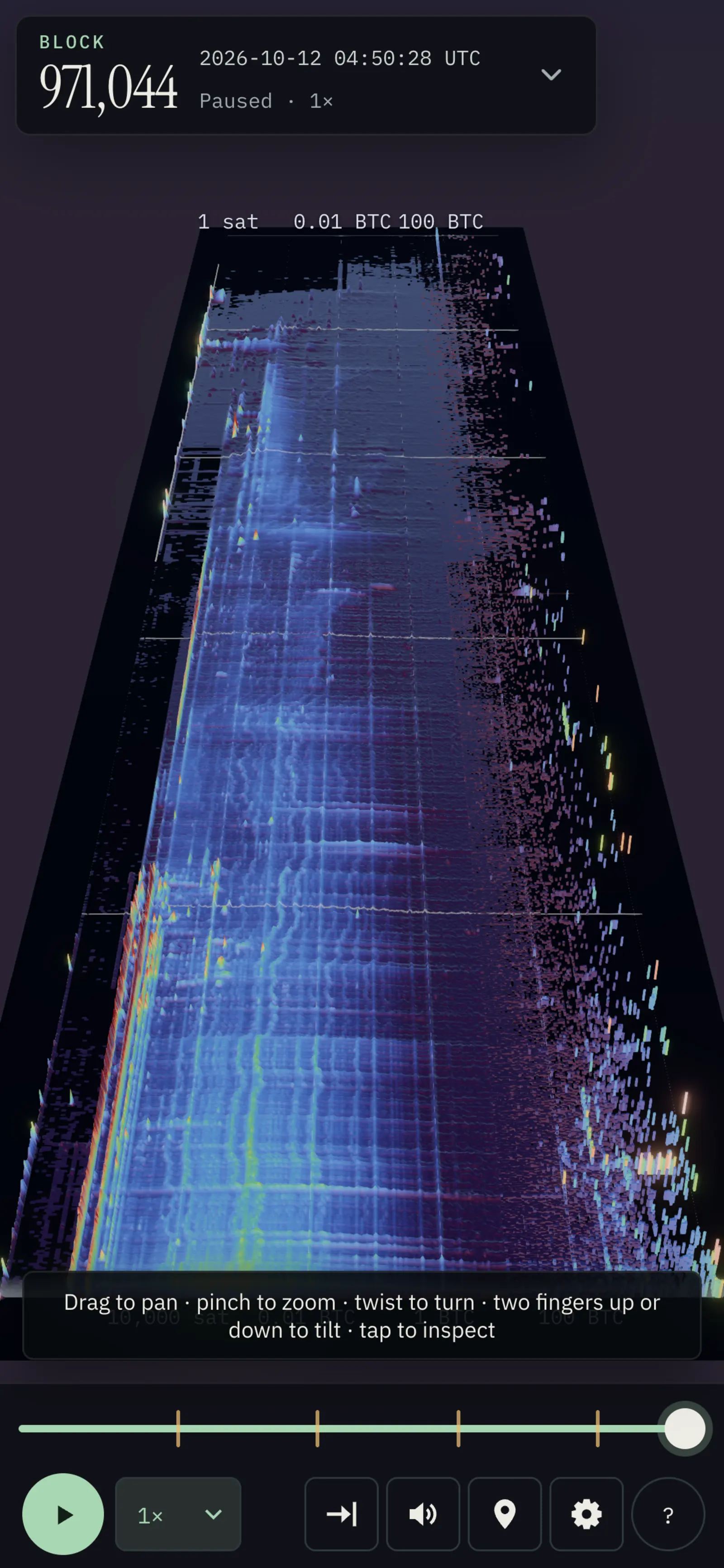
On a touch screen, map mode follows the conventions of map apps: every gesture keeps the ground under your fingers where it is. Pinch, twist and a two-finger drag combine in one movement.
Phones get their own layout. The timeline keeps the scrubber, transport, the speed menu, and Places, Settings and Help; in portrait the inspector and the settings open as sheets from the bottom. Fly mode needs a keyboard.
Gestures
- One finger
- Pan; the ground stays under your finger
- Pinch
- Zoom around your fingers
- Twist
- Rotate
- Two fingers up or down
- Tilt
- Tap
- Inspect the cell
- Double-tap
- Fly closer; keep the second tap down and drag to zoom
- Two-finger tap
- Zoom out
Time and playback
Space plays or pauses. The speed menu in the timeline offers 0.5x, 1x, 2x, 5x, 10x, 20x and Max. Keys 0 to 4 select 0.5x, 1x, 2x, 5x and Max; 1x is 60 blocks, about 10 hours of Bitcoin, every second. [ and ] step one block back or forward, exactly; with Shift they step 1,008 blocks, about a week. The timeline also accepts a block height or a UTC date.
N, or the Follow button, follows the tip: the camera moves with the newest block, while playing and when you scrub or step, and you can still pan, orbit and zoom. N again stops. Every block you land on, by seeking, stepping or playing at 1x, is the exact unspent set after that block. Online, 5x, 10x, 20x and Max follow the speed of your connection, and the HUD says so when playback is download-limited.
M, or the Sound button, turns on a click for each spend flash on screen while the chain plays, darker for older coins and louder for more bitcoin. Sound is off at first.
The inspector
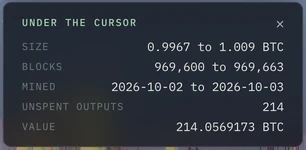
Point at the landscape and a card under the block panel names the cell under the cursor: its range of amounts, its 64 blocks and the days they were mined, and the unspent outputs and value it holds at the current block. It reads data already in your browser, so it follows the cursor.
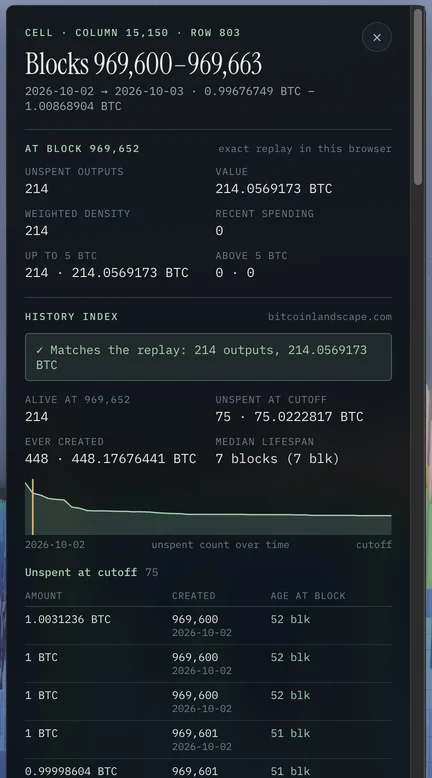
Click the cell, or press I with the cursor on it, to open the inspector. A ring marks the cell in the landscape. Below a heading with the cell’s column and row, its blocks and its exact range of amounts, the drawer has four parts. Here it is open on the column of about 1 BTC outputs that the essay follows.
- At this block
- Worked out in your browser by the same replay that draws the landscape: the unspent outputs and their value, the weighted density that sets height and colour, the bitcoin spent from the cell recently, and how the outputs split between up to 5 BTC and above.
- History index
- The cell’s complete record from the server: every output ever created in it, in which block, and when it was spent. A tick confirms that the record and the replay agree to the satoshi.
- Lifecycle
- How many outputs the cell has ever received, how many are alive at this block, how many are still unspent at the latest block the index covers, and the median lifespan of its outputs. The chart draws its unspent outputs over time.
- Outputs
- The outputs themselves: those still unspent, those spent after this block (earliest first) and, folded away, those spent before it, each with its amount, its creation block and its age.
Its last line opens the same place in the 2D explorer at bitcointimelapse.com, at the nearest pixel. On a phone, tap a cell and the inspector opens as a sheet.
Looks
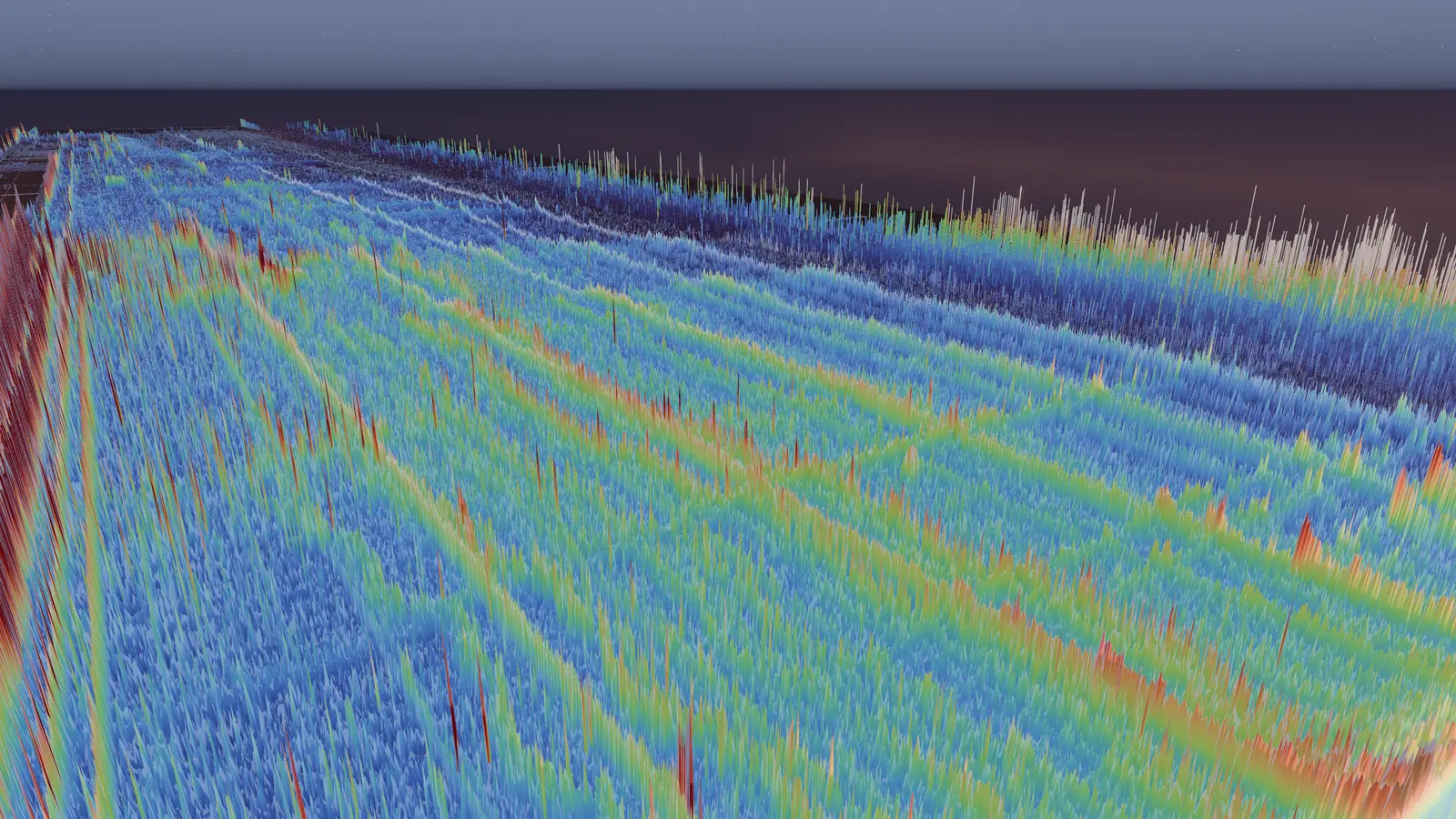
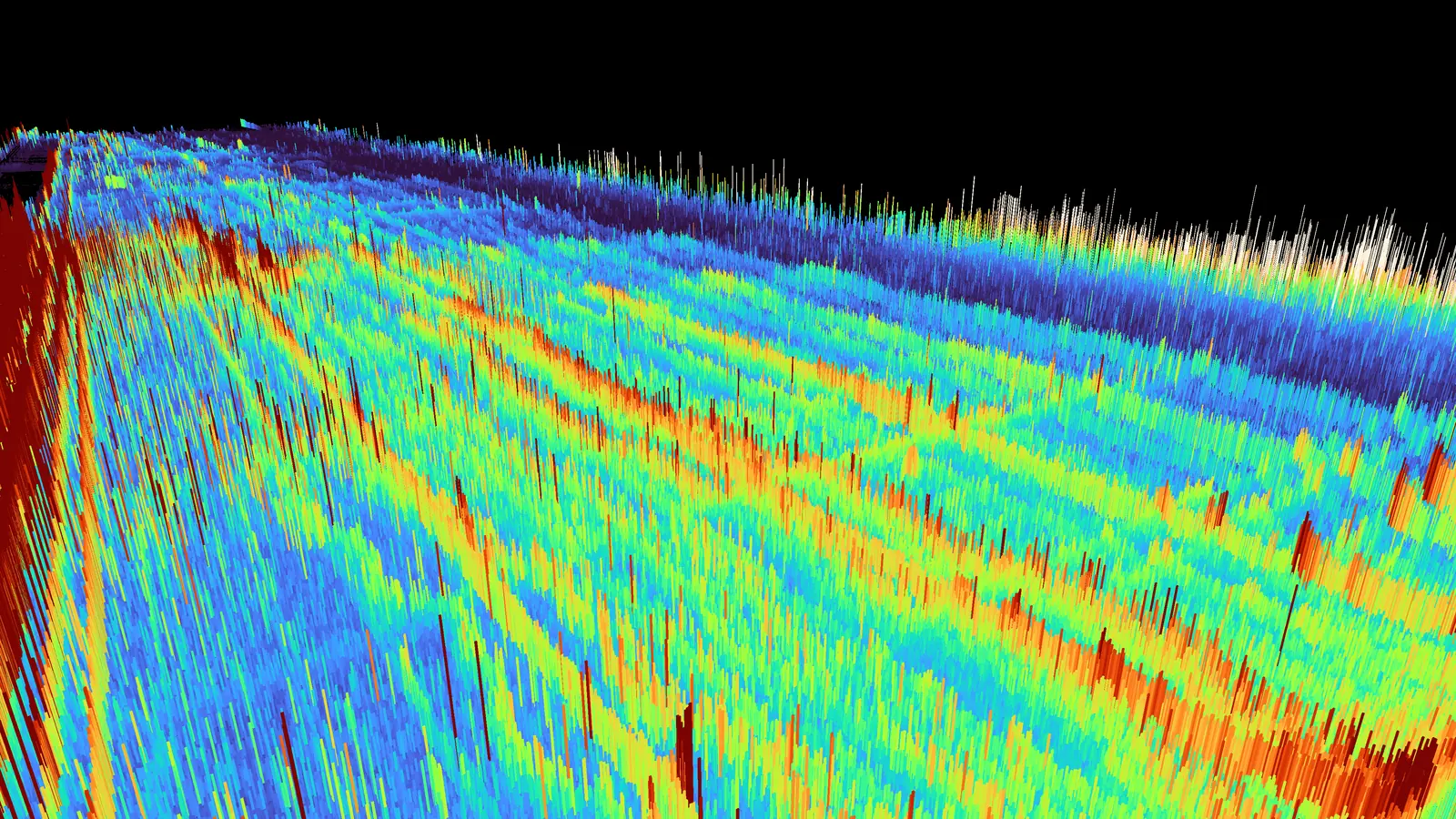
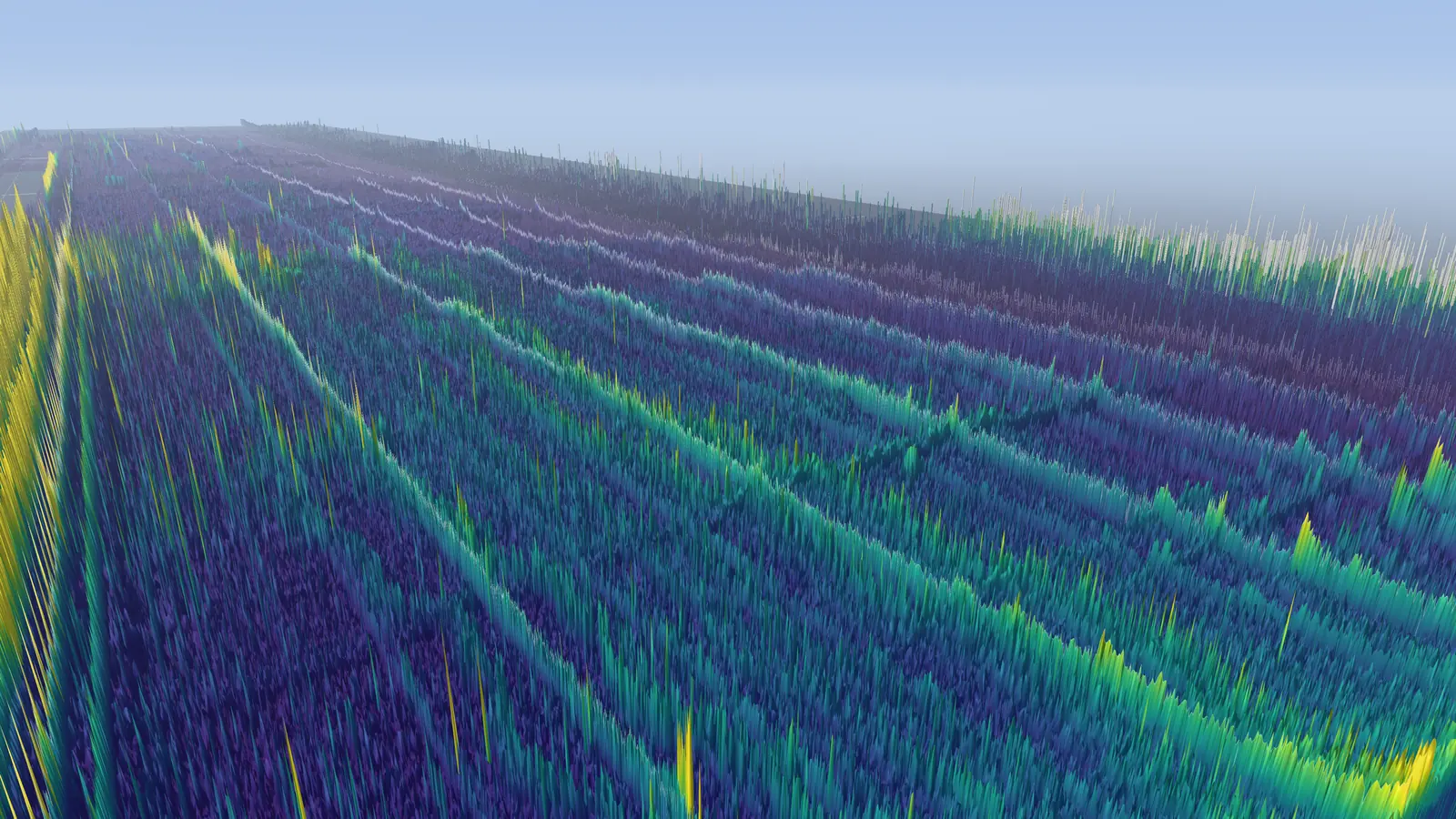
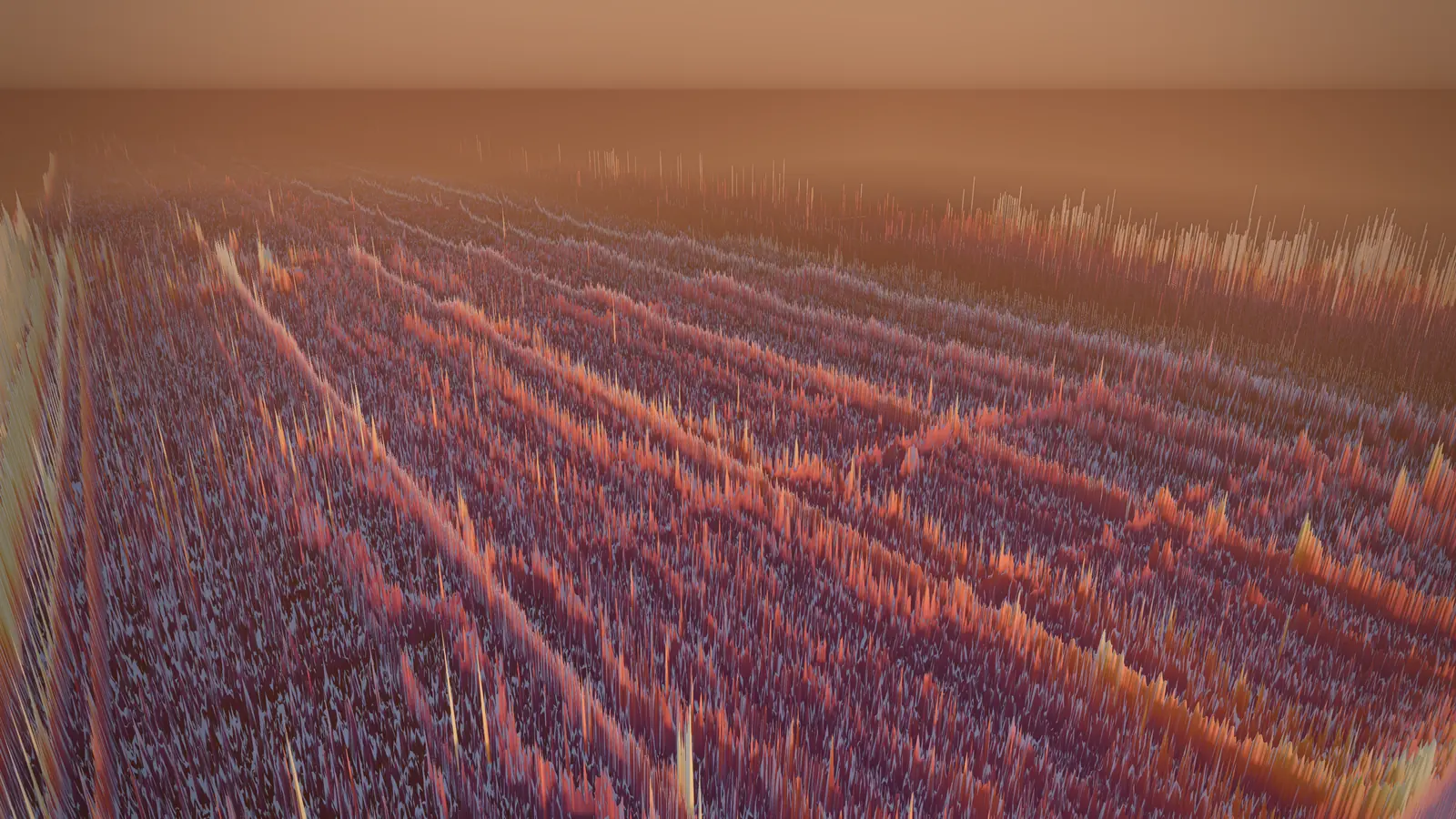
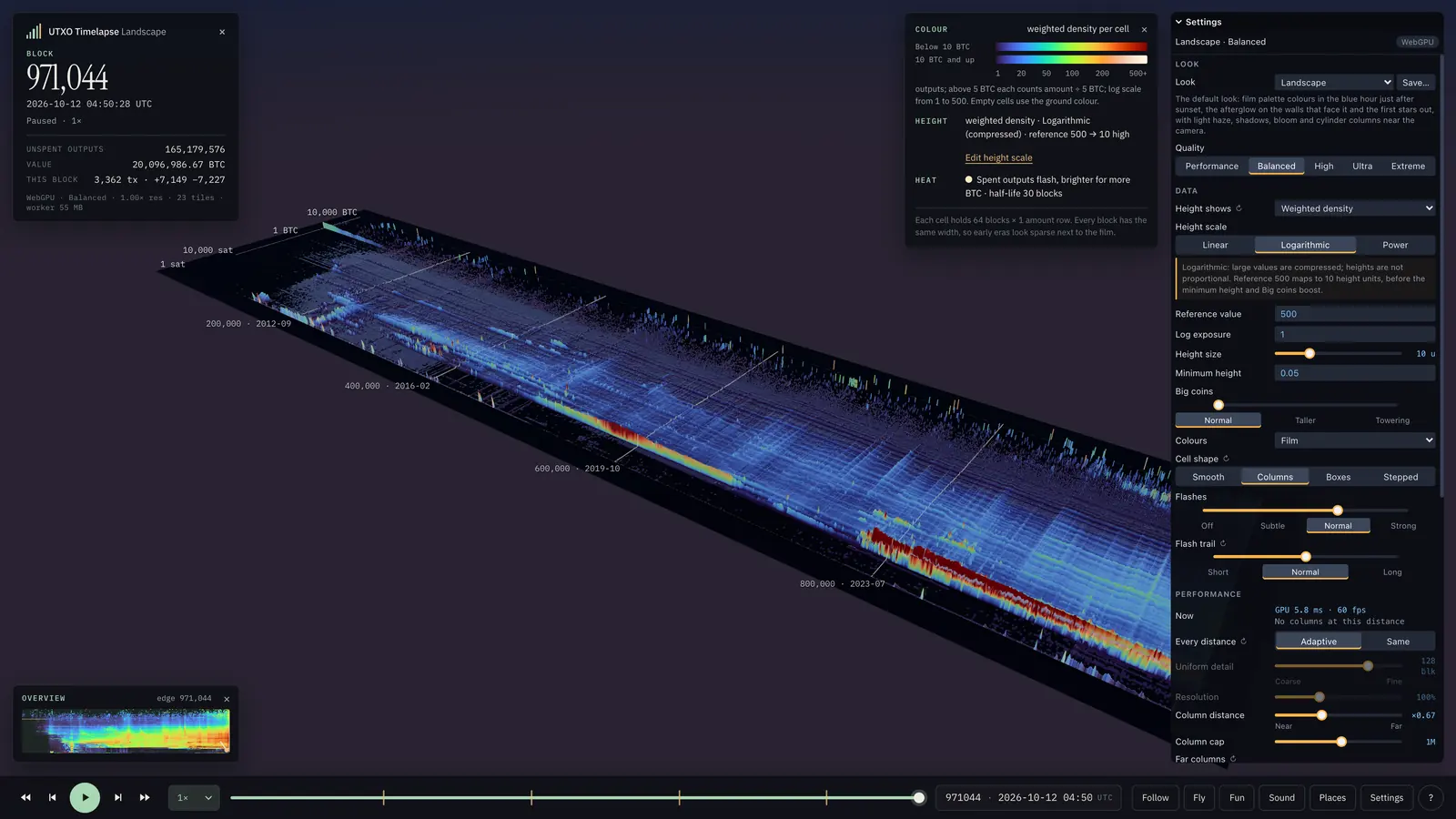
A look sets the light, palette and measure in one choice; the data stays the same. Eleven are built in, each one click away in the settings, and Save… stores your own. The settings also change one thing at a time: the cells’ shape (smooth, columns, boxes or stepped), how tall the big coins stand, and the time of day.
-
Landscape
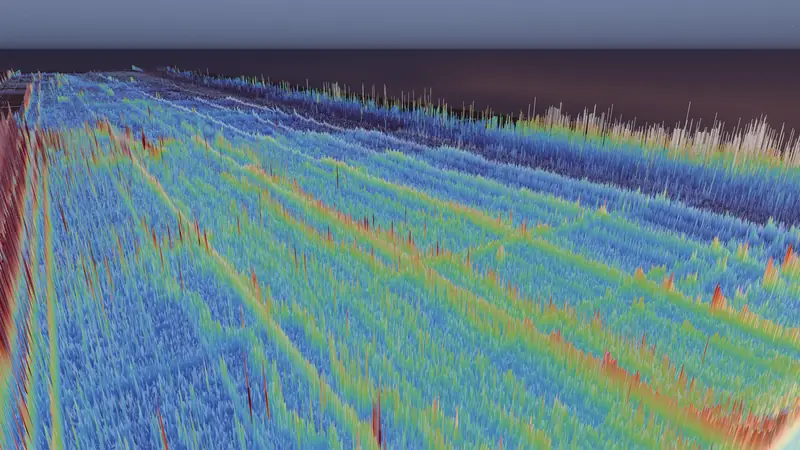
The default look: film palette colours in the blue hour just after sunset, the first stars out, light haze, shadows, bloom and cylinder columns near the camera.
Explore this view -
BitcoinTimelapse.com
The film at bitcointimelapse.com: its unlit colours through the film palette, stepped cells instead of cylinders, black background and ground, no lighting or post effects.
Explore this view -
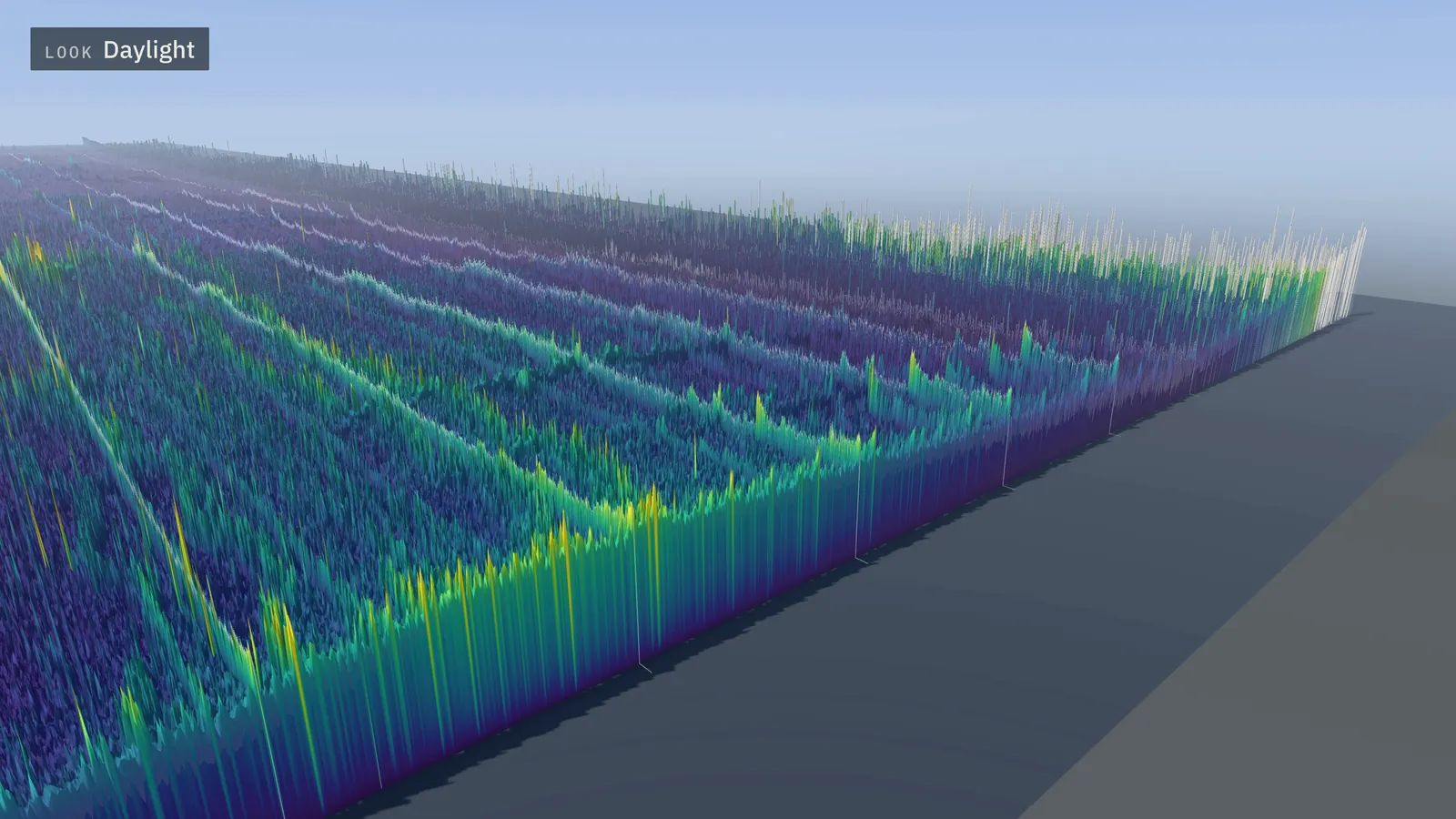
Daylight
Midday: a high white sun in a pale blue sky, crisp shadows and the viridis palette, with no glow, so the relief reads like a map.
Explore this view -
Golden hour
Sunset from the tip side: a low orange sun, long shadows, thick warm haze, light shafts toward the sun and the inferno palette.
Explore this view -
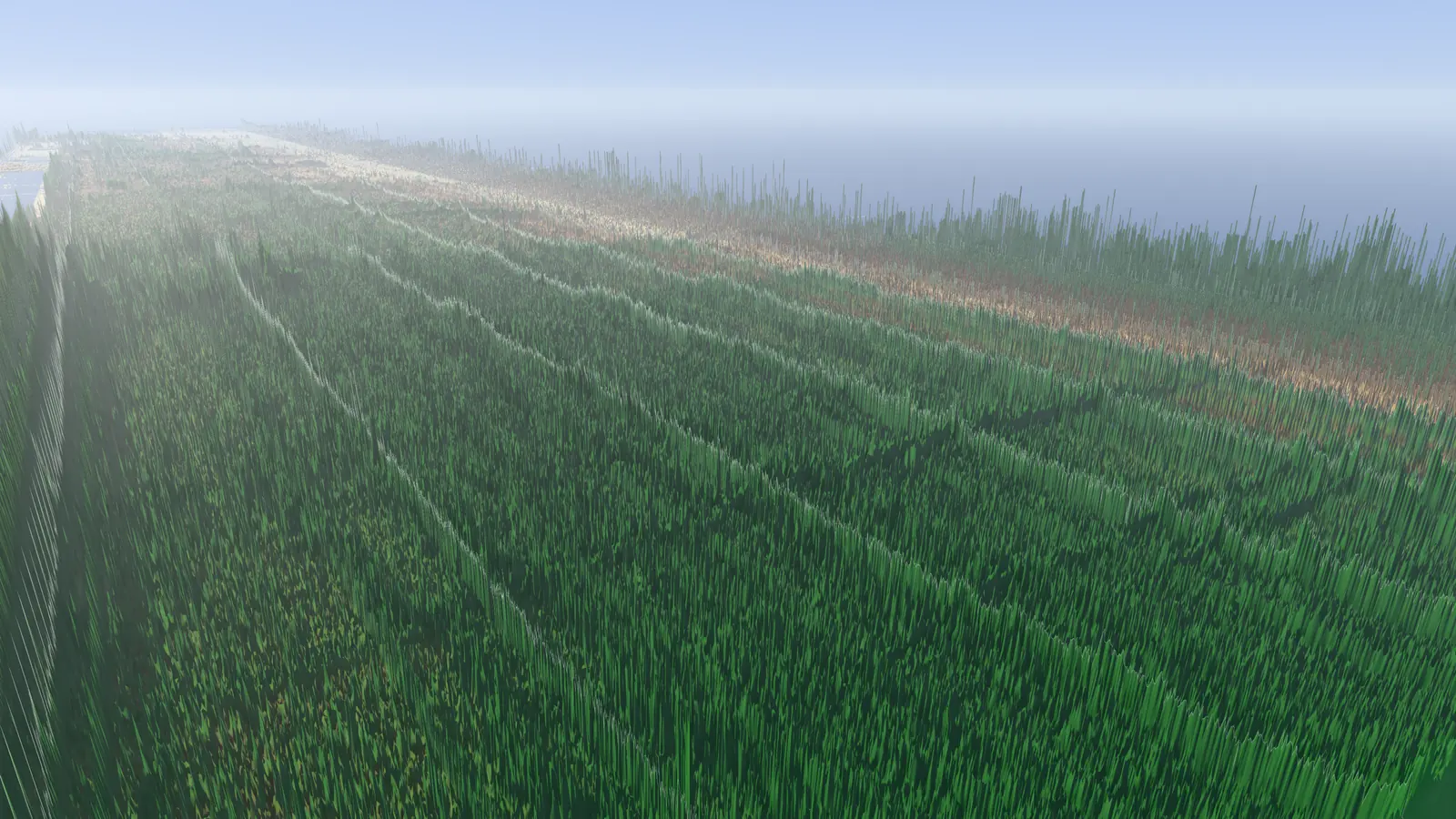
Earth
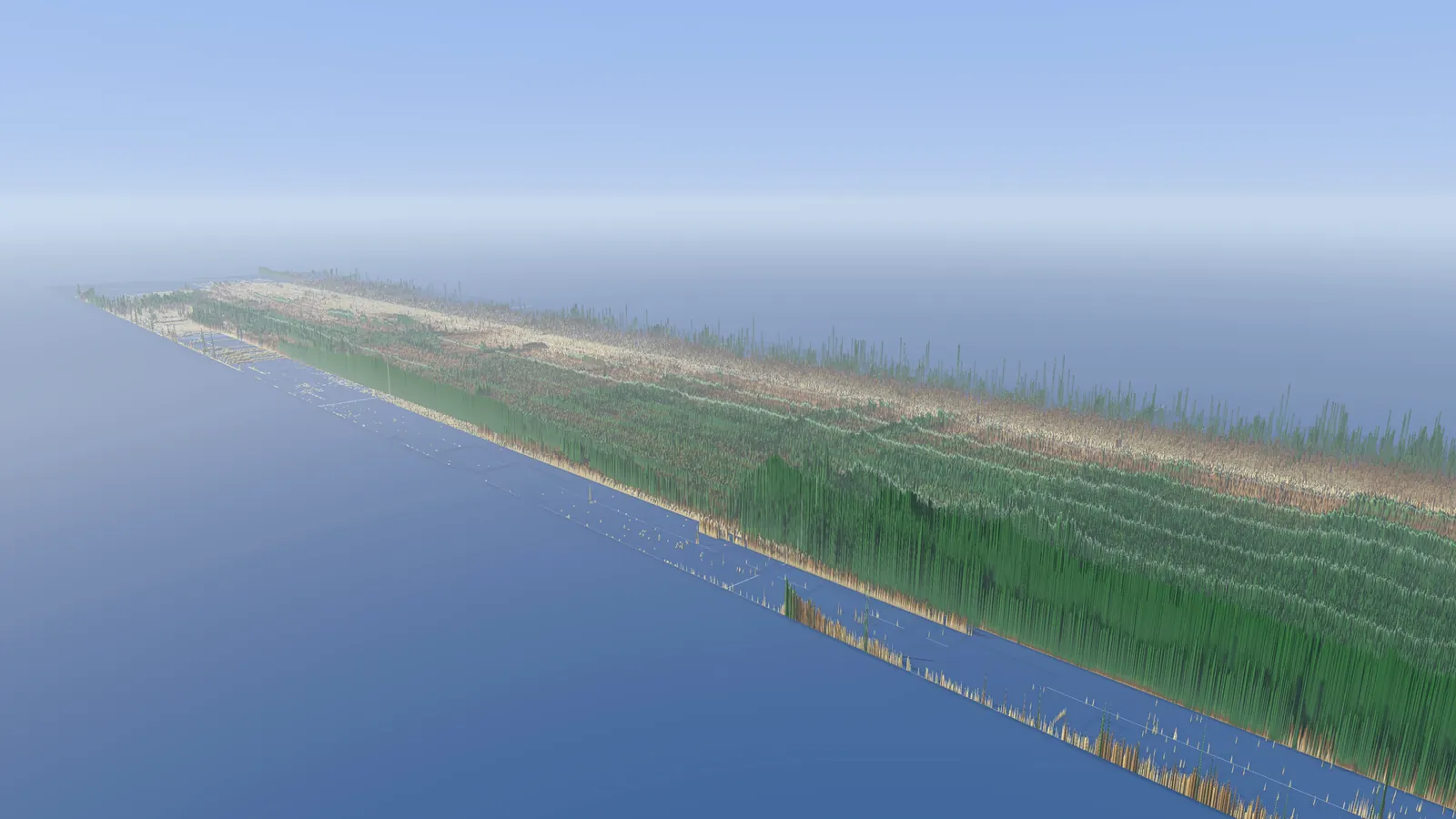
A summer morning over an atlas: mist pales the distance, a sea runs to the horizon, and land goes from sand on the sparsest cells through brown earth to green.
Explore this view -
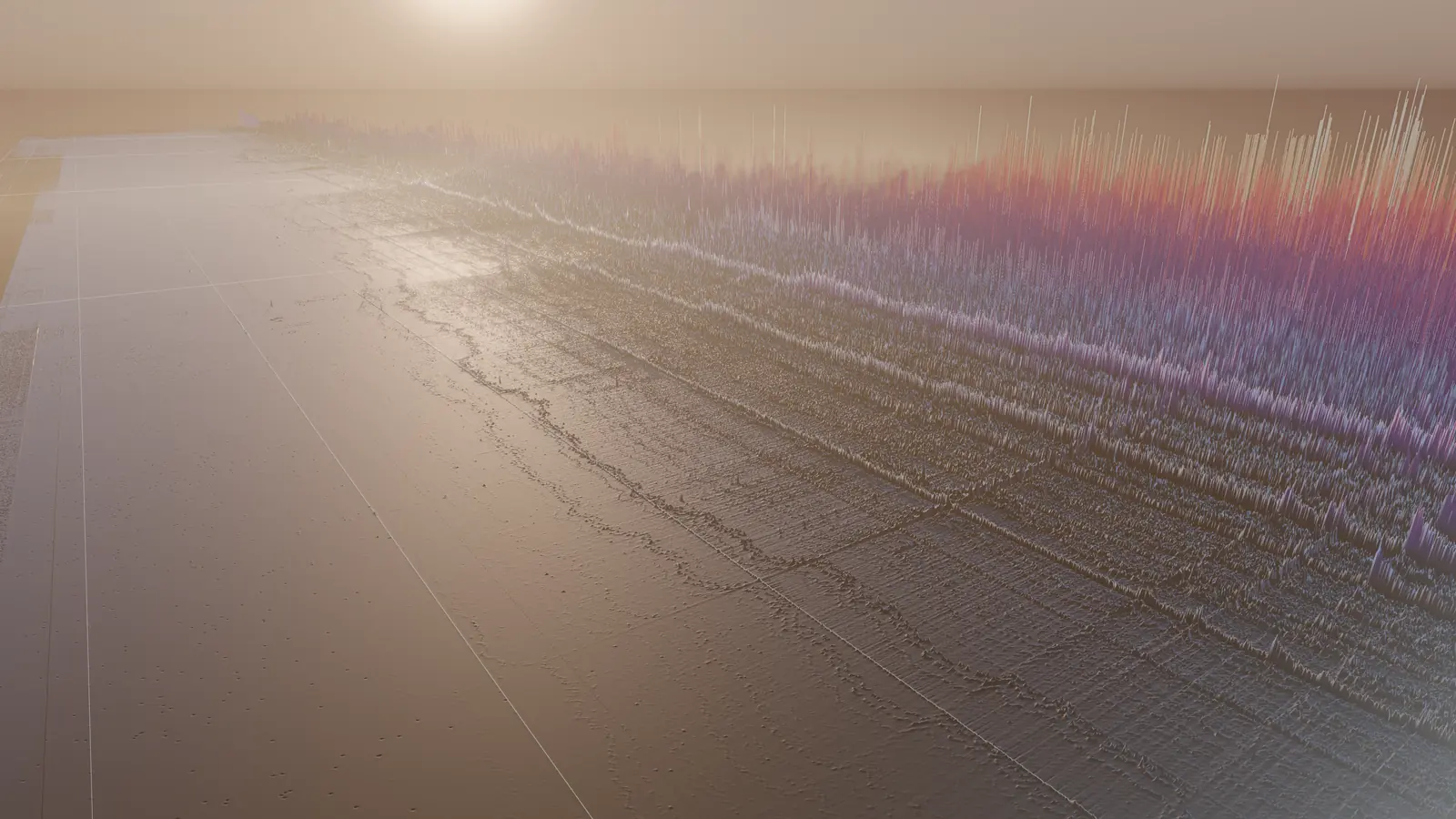
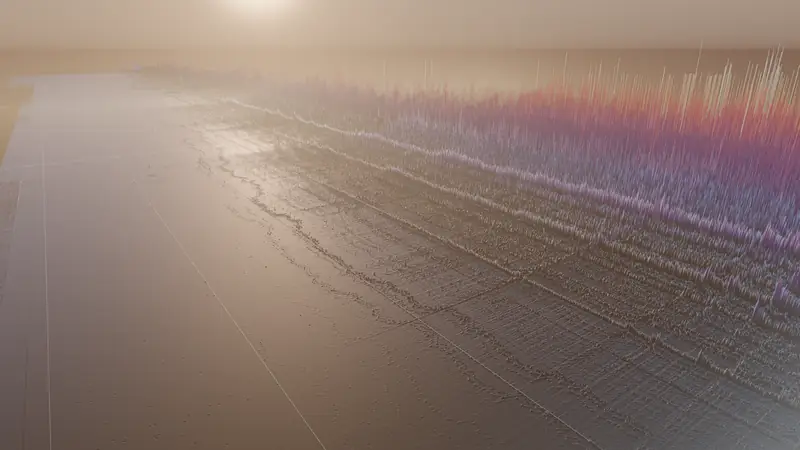
Whales
Sunrise over the BTC held in each cell instead of the number of outputs: the large-amount rows tower over the dust, and the magma palette runs to white on the biggest holdings.
Explore this view -
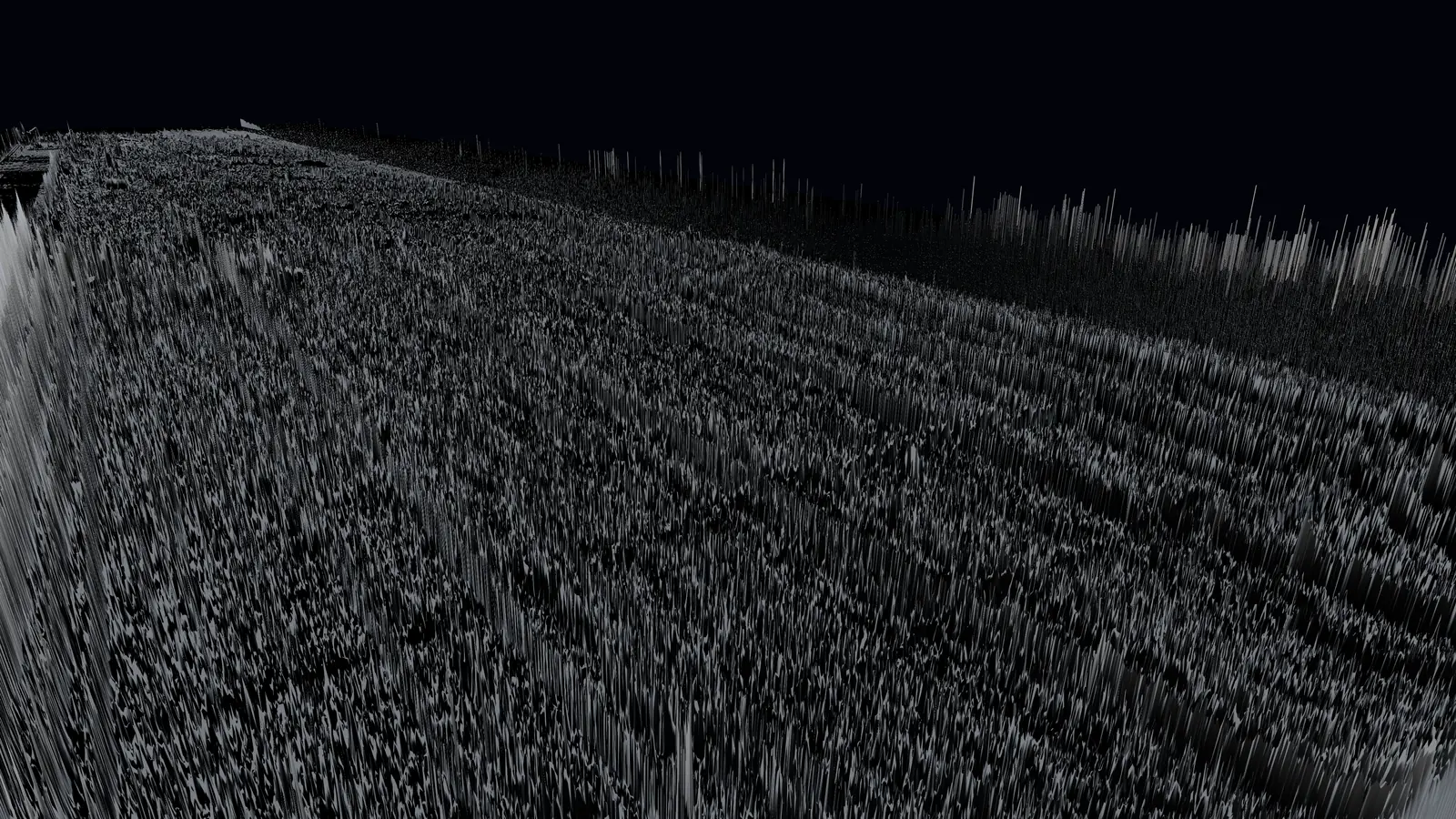
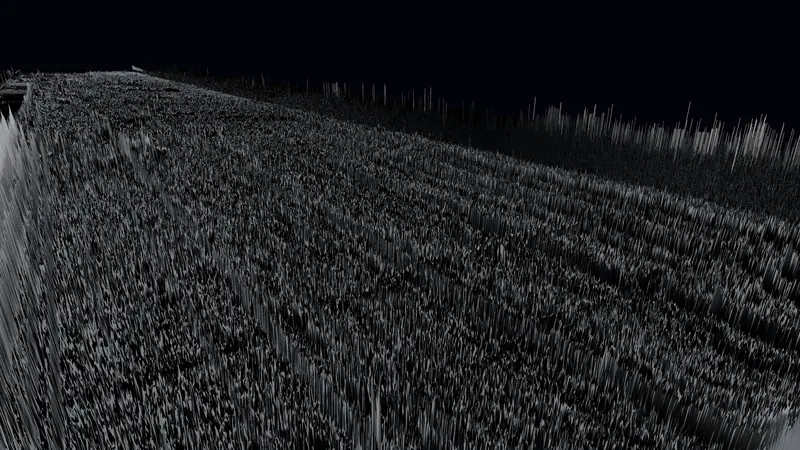
Pulse
A dim grey landscape where activity shows: spends flash amber and their glow lingers for hundreds of blocks. Press Play to watch the chain breathe.
Explore this view -
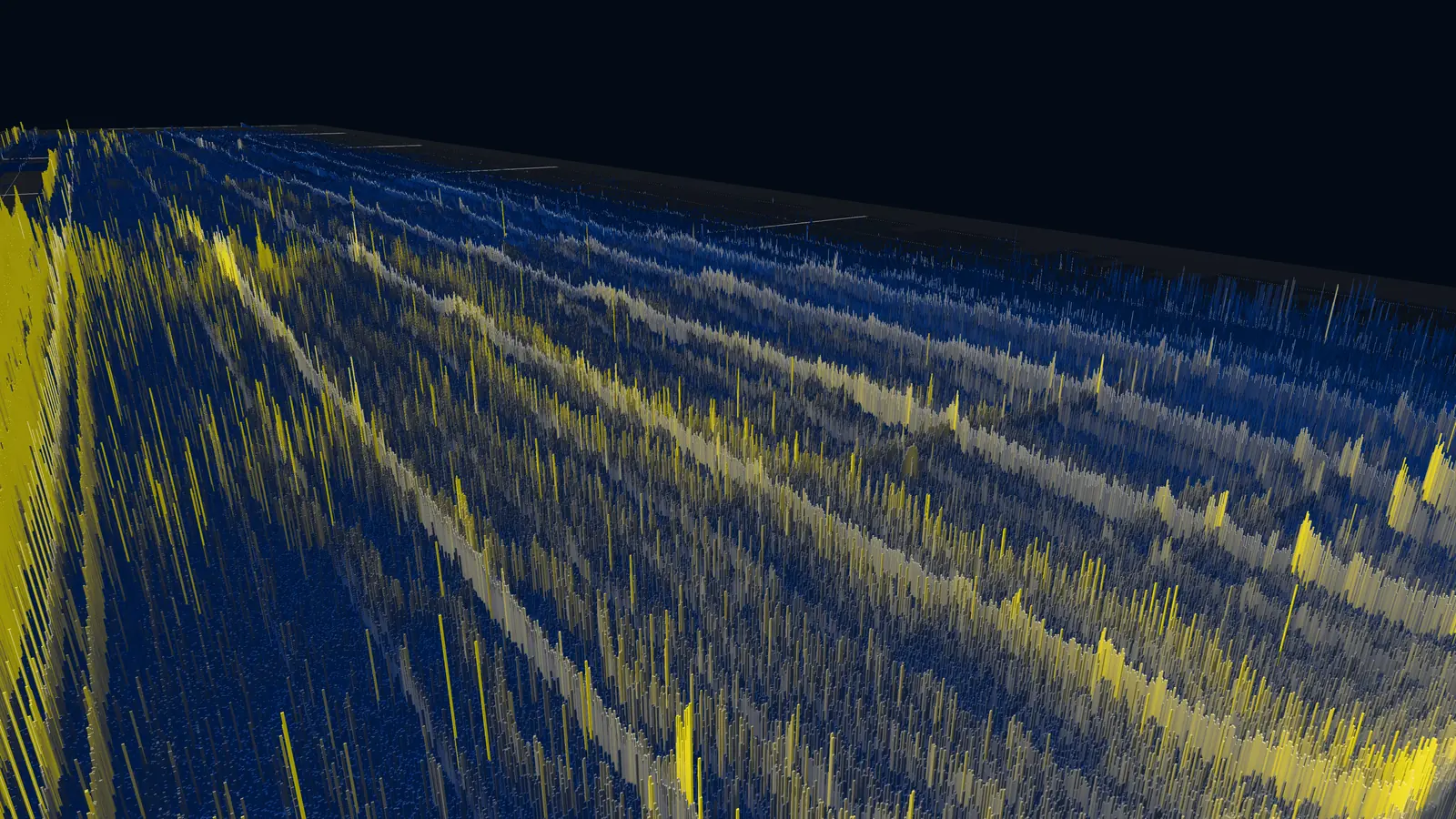
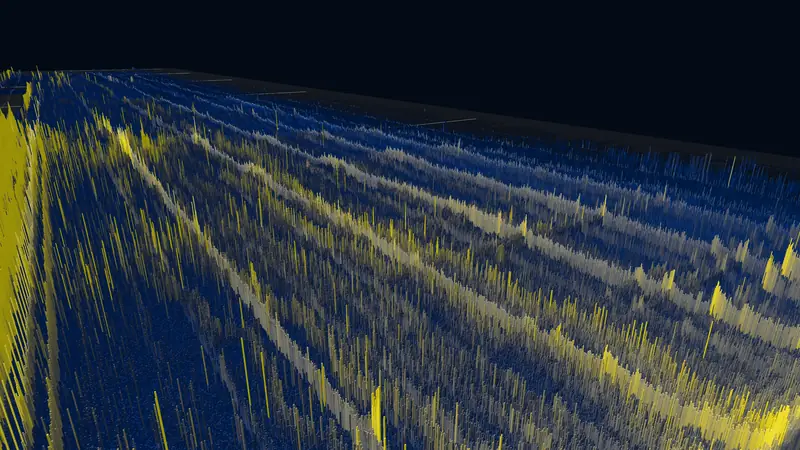
Outputs
Height and colour by the number of outputs in each cell, cividis, square boxes under a white sun, so dust rows and large holdings are compared by count alone.
Explore this view -
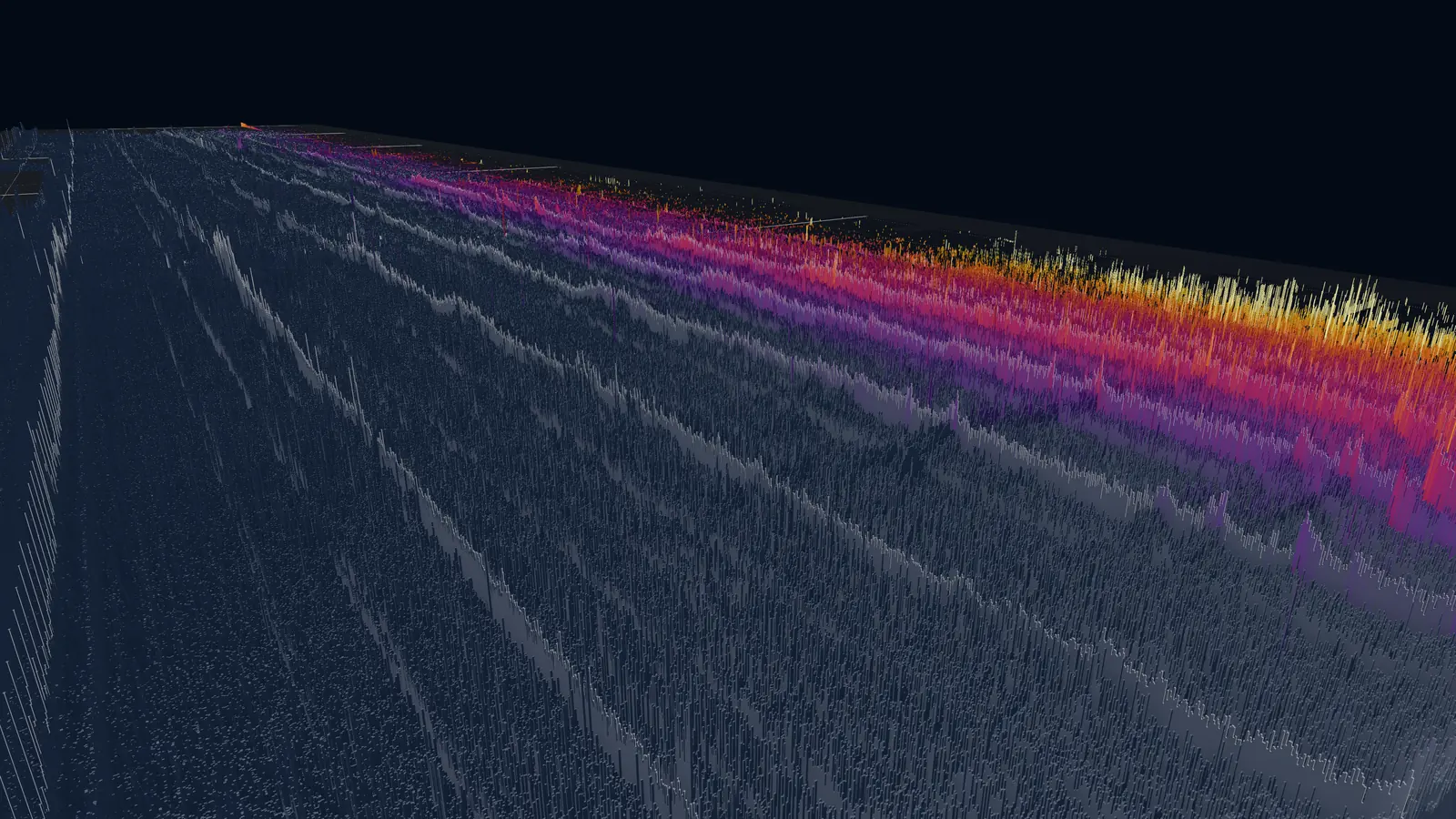
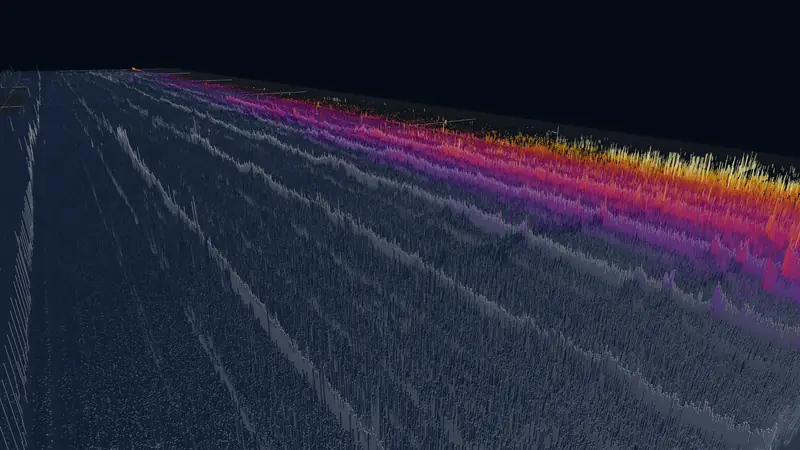
Money map
Height by the number of outputs, colour by the BTC they hold: grey below 1 BTC per cell, then violet, red and orange to pale yellow at 2,000 BTC.
Explore this view -
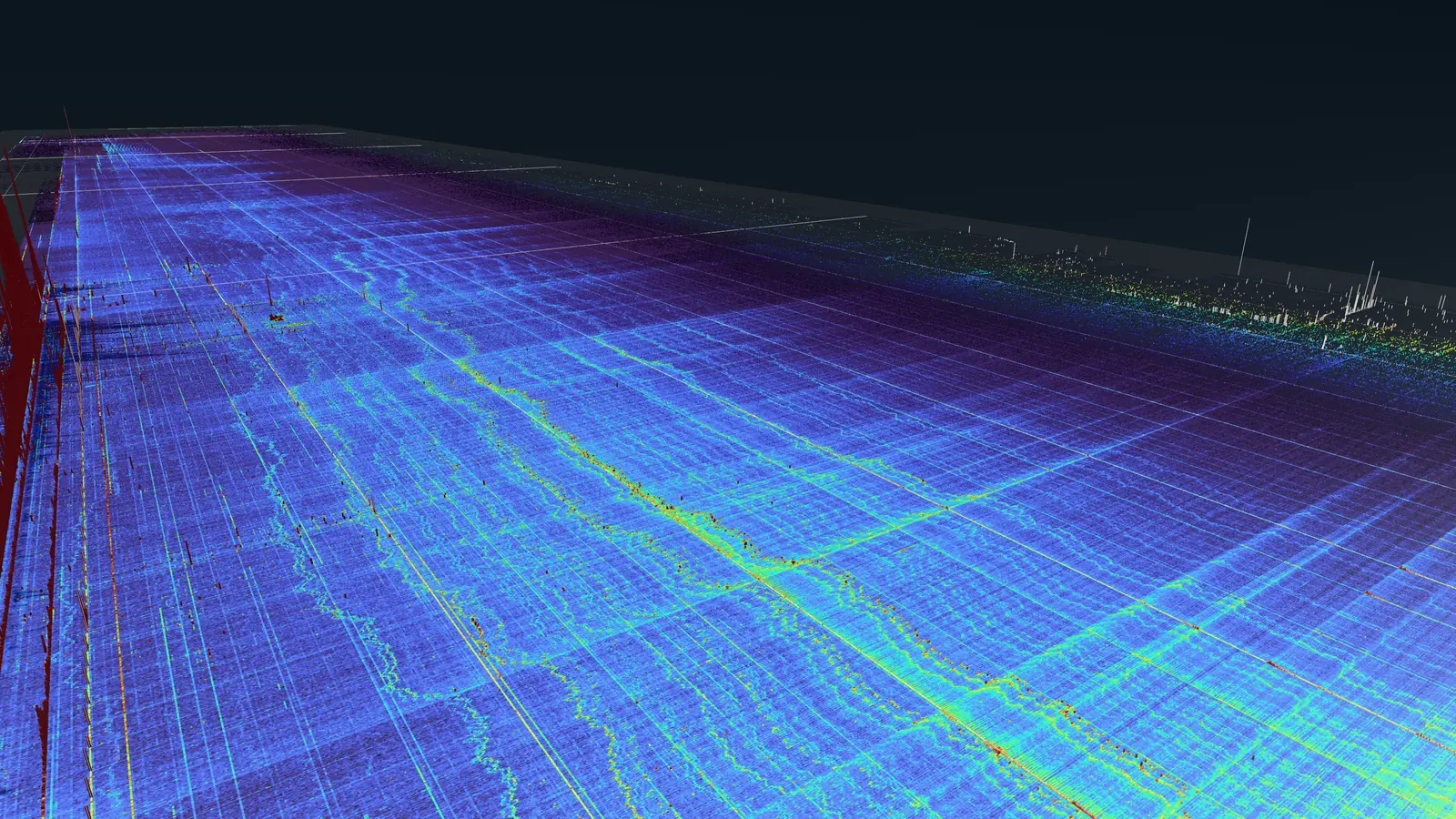
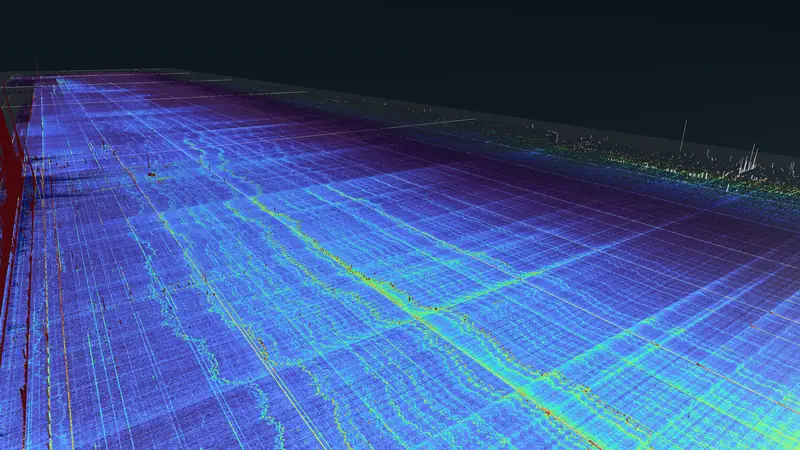
Linear
Height in proportion to weighted density, so proportions are true: nearly everything lies flat and the densest dust cells rise as walls.
Explore this view -
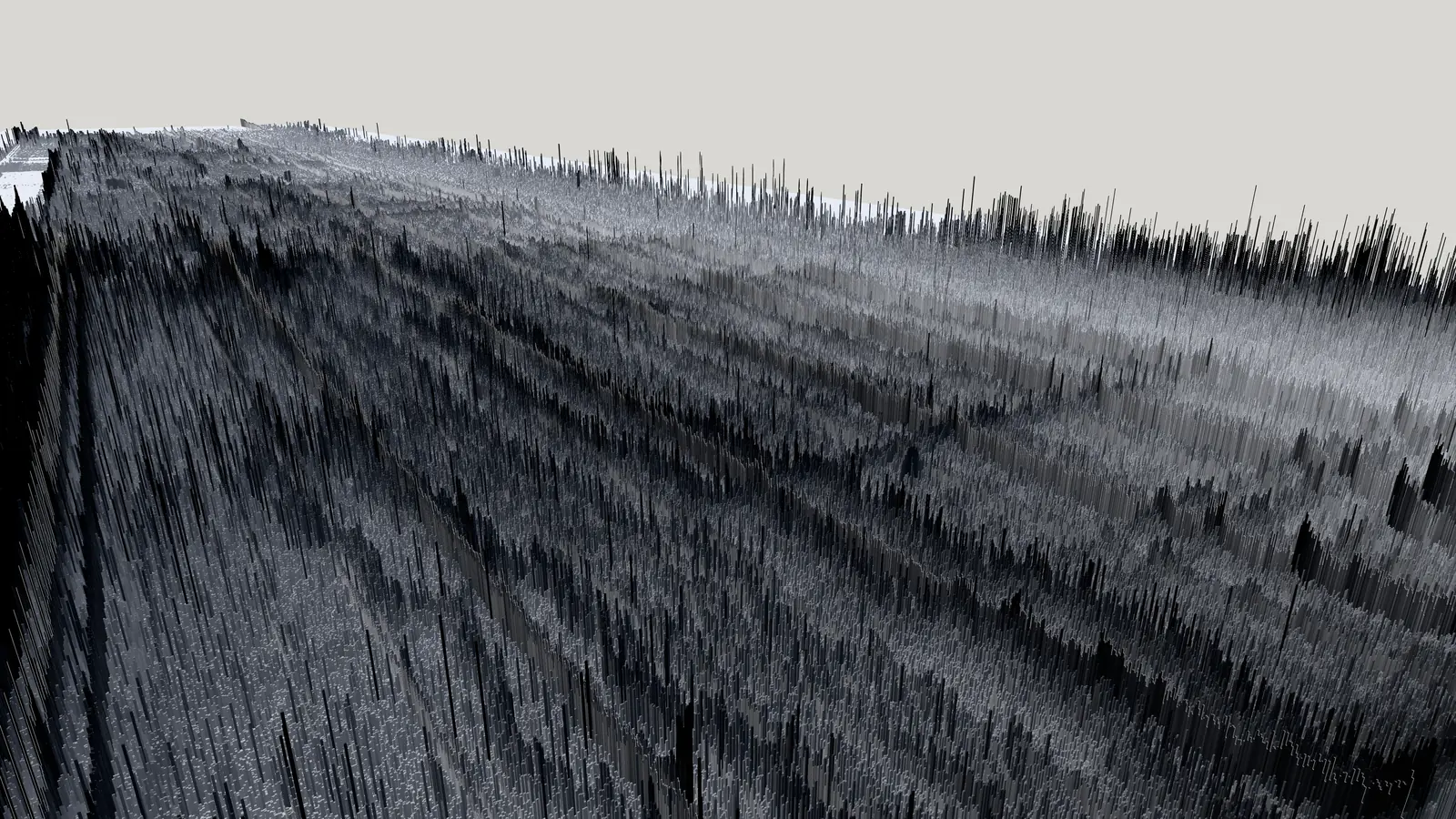
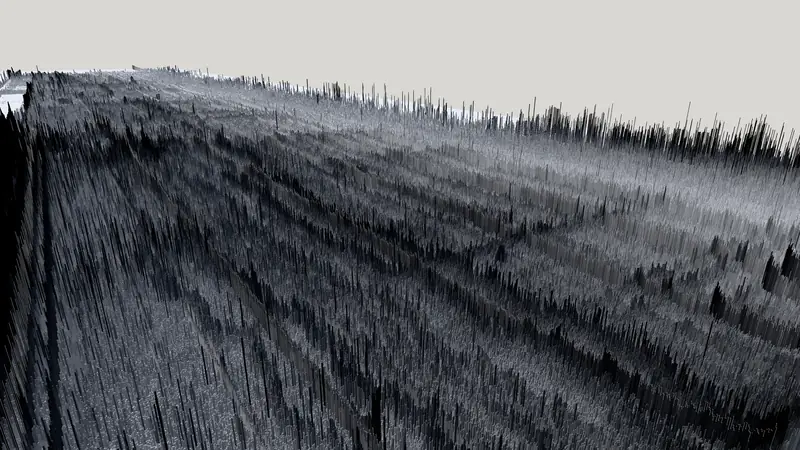
Paper
A white page for figures: light grey to black ink by density, soft shadows and red spend flashes.
Explore this view
Quality
- Performance
- 75% resolution, FXAA, no shadows or ambient occlusion, and cylinders only close to the camera.
- Balanced
- Native resolution, SMAA, two shadow cascades, SSAO and bloom, with cylinders where cells are 6 px wide or more.
- High
- Three shadow cascades, SSAO with 16 samples, fog, sky and stars, and 12-sided cylinders where cells are 4 px wide or more.
- Ultra
- High plus 4096 shadow cascades, volumetric light and god rays: 60 fps in the overview at 4K on an M4 Max.
- Extreme
- Deliberately GPU-bound, for GPUs beyond an M4 Max: supersampling, SSR, finer detail and up to 2M cylinders.
A first visit starts at Balanced with automatic resolution scaling. A browser without WebGPU, a touch-only device or one that reports 4 GB of memory or less starts at Performance and says so. Choosing a quality turns the automatic scaling off. Ultra, Extreme and the cylinder columns need WebGPU; ?webgl=1 forces the WebGL2 fallback, capped at High.
Sharing
Share, in the timeline, copies a link to the current view: the block, the camera, the look and the settings that differ from it. With a cell open in the inspector it can share that cell instead; the link opens paused with the cell’s details showing. A view link can also start playing when it opens. The address bar always holds the same link, and Copy link in the settings does the same.
Quality is not part of a link. Whoever opens one gets the quality their own device chose, so a view made at Ultra on a desktop still opens smoothly on a phone. A link without a block opens at least 1,008 blocks, about a week, before the last block, so Play has something to play.
Under the hood
- Grid64 blocks per column and 2,072 amount rows. Every 64 new blocks add a column at the edge.
- ReplayA Web Worker in your browser replays the change log from snapshots, so every block is exact.
- DataThe dataset is read in pieces as you move and play, from the same server that answers the inspector’s history lookups.
Index
Views
Each view opens in the app at its block and camera.
Movements
-
 Field
Explore Field
-
 The map: the whole chain
Explore The map: the whole chain
-
 The map: every amount
Explore The map: every amount
-
 A cell
Explore A cell
-
 A cell, from above
Explore A cell, from above
Places
-
 The first line
Explore The first line
-
 Round amounts
Explore Round amounts
-
 The ridge
Explore The ridge
-
 Towers
Explore Towers
-
 The newest edge
Explore The newest edge
Time
-
 Time
Explore Time
-
 From above: Pulse
Explore From above: Pulse
-
 From above: the film’s look
Explore From above: the film’s look
-
The whole history
Explore The whole history
-
 The ridge rises
Explore The ridge rises
Light and reading
-
 Readings: outputs
Explore Readings: outputs
-
 Readings: value
Explore Readings: value
-
 A day over the field
Explore A day over the field
-
 Earth
Explore Earth
-
 Look: Landscape
Explore Look: Landscape
-
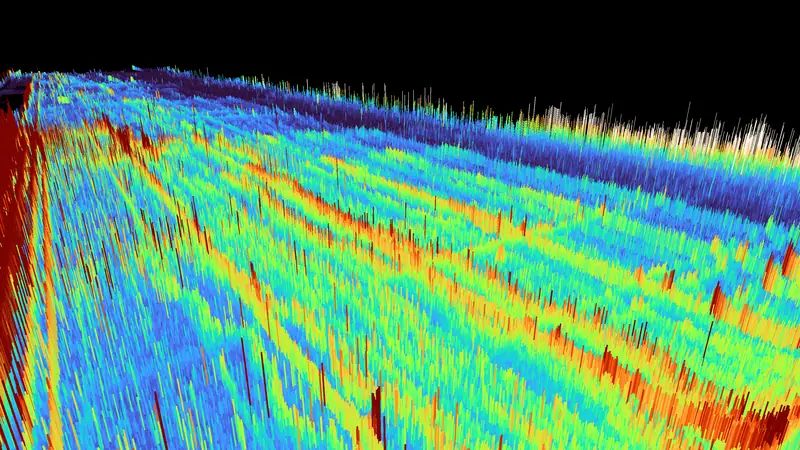 Look: BitcoinTimelapse.com
Explore Look: BitcoinTimelapse.com
-
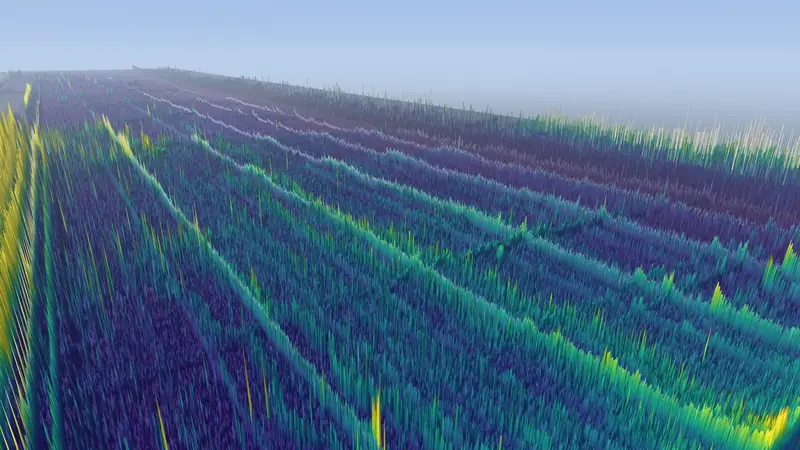 Look: Daylight
Explore Look: Daylight
-
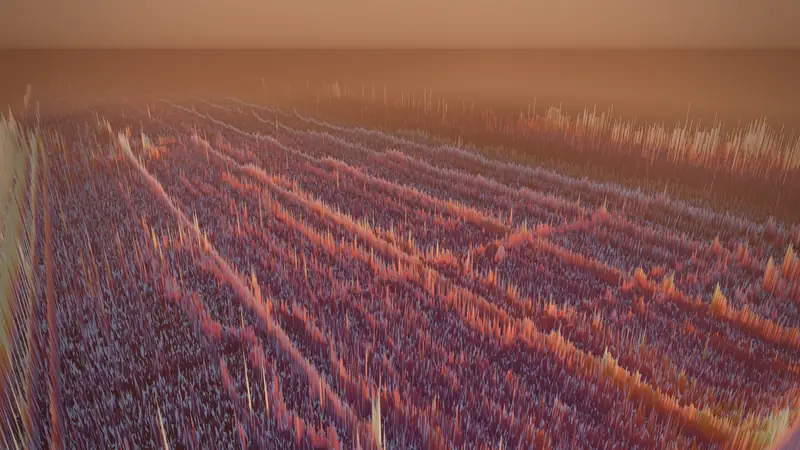 Look: Golden hour
Explore Look: Golden hour
-
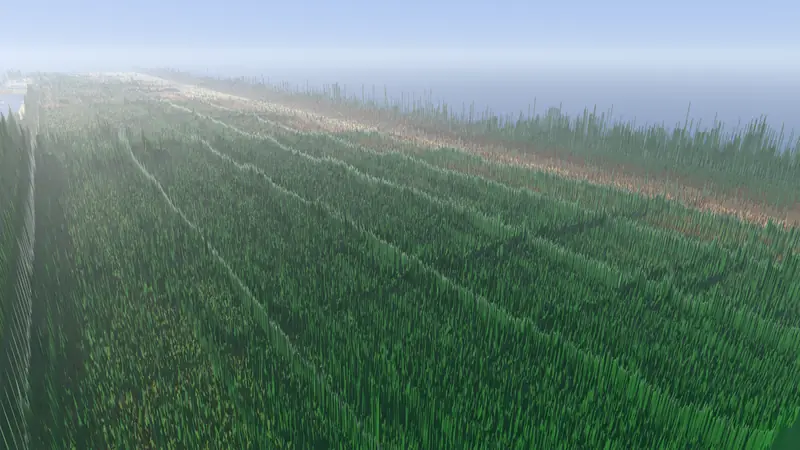 Look: Earth
Explore Look: Earth
-
 Look: Whales
Explore Look: Whales
-
 Look: Pulse
Explore Look: Pulse
-
 Look: Outputs
Explore Look: Outputs
-
 Look: Money map
Explore Look: Money map
-
 Look: Linear
Explore Look: Linear
-
 Look: Paper
Explore Look: Paper